Andrew Ng and Anthropic's Definitive Claude Code Tutorial: A Deep Dive
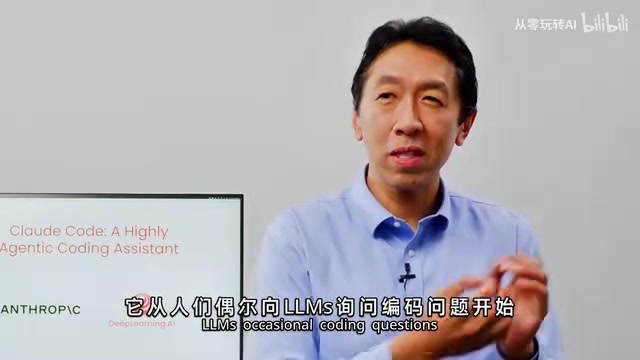
Andrew Ng and Anthropic's comprehensive Claude Code course covers architecture, context management, and advanced agentic practices.
Andrew Ng and Anthropic engineer Eddie Shobik released a systematic Claude Code course covering its minimalist architecture, context management best practices, MCP server integration, and parallel session orchestration via Git Worktrees. Three hands-on projects—RAG chatbot development, Jupyter Notebook data visualization, and Figma design-to-code automation—demonstrate how to maximize AI-assisted programming productivity.
Andrew Ng and Anthropic engineer Eddie Shobik have jointly launched a systematic course on Claude Code, comprehensively covering the core usage of this AI programming assistant—which Ng calls his "personal favorite"—from underlying architecture to advanced practices. This article provides an in-depth analysis of the course's key content and best practices.
The Evolution of AI-Assisted Programming and Claude Code's Position
Over the past few years, AI-assisted programming has evolved rapidly. From developers occasionally asking LLMs programming questions, to GitHub Copilot's auto-completion, to increasingly autonomous coding tools—each step has expanded the boundaries of AI's role in the development workflow.
From a technical evolution perspective, AI-assisted programming has gone through roughly three phases: completion-based (like GitHub Copilot, built on OpenAI's Codex model, launched in 2021, pioneering the paradigm of real-time code suggestions within IDEs), conversational (generating code blocks through chat windows, like ChatGPT, Claude, etc.), and agentic (autonomously planning and executing multi-step tasks). Tools like Cursor and Windsurf further deepened the integration of LLM capabilities into editors. Claude Code represents the latest form of agentic programming—it's not an IDE plugin, but a command-line tool running in the terminal that can autonomously read files, execute commands, run tests, and complete complex development tasks requiring multi-step reasoning.
Claude Code's emergence is considered "a significant leap in agentic capabilities." Unlike previous tools, Claude Code can independently execute complex tasks lasting minutes or even longer, rather than merely providing code snippet suggestions. Ng explicitly stated in the course that Claude Code has significantly boosted productivity for himself and many developers, and that the tool "has considerable depth" worth systematic study.
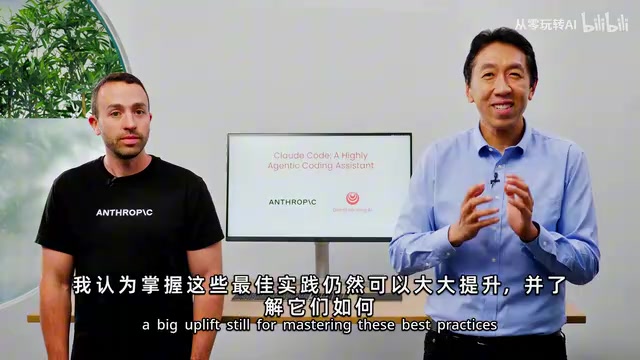
More notably, some developers are no longer limited to operating a single Claude instance—they're orchestrating multiple instances working in parallel on different parts of a codebase. However, the best practices for coordinating all of this are not widely understood. Ng believes that mastering these practices can deliver "enormous productivity gains" for developers.
Core Best Practice: Context Management Is Key
A core principle revealed in the course is: providing Claude Code with clear context is the key to efficiently completing tasks. This is deeply related to the concept of Prompt Engineering—the technique of carefully designing input prompts to guide large language models toward more accurate outputs. In the Claude Code scenario, the core of prompt engineering has evolved from "how to phrase questions" to "how to manage context." Since LLMs have limited context windows (even though Claude's context window has expanded to 200K tokens), in large codebases, the model cannot read all files at once. Therefore, developers need to proactively narrow the search scope and specify relevant file paths—this is essentially an advanced prompt engineering practice tailored for code scenarios.
Specifically, context management encompasses three levels:
Point Precisely to Relevant Files
Don't let Claude Code blindly search through the entire codebase. Proactively directing it to files and directories relevant to the current task significantly reduces unnecessary exploration time and improves task completion accuracy.
Clearly Describe Feature Requirements
Vague instructions lead to vague results. Developers need to clearly describe the desired functionality and features, including boundary conditions, expected behaviors, and other details. The more precise the input, the more precise the output.
Extend Capabilities Through MCP Servers
Claude Code's capabilities are not closed off. Through MCP (Model Context Protocol) servers and other tools in the ecosystem, its functional boundaries can be significantly expanded.
MCP is an open standard protocol launched by Anthropic in late 2024, designed to establish a unified communication interface between AI models and external data sources/tools. MCP uses a client-server architecture: AI applications (like Claude Code) act as clients, communicating with MCP servers through standardized JSON-RPC protocols, while MCP servers encapsulate access logic for specific external services (such as Figma, databases, APIs, etc.). This design is analogous to USB-C for hardware devices—it provides a universal connection standard that allows any MCP-compatible AI tool to plug-and-play with various external capabilities without writing custom integration code for each tool. The course specifically mentions practical cases like the Figma MCP server, demonstrating how to seamlessly integrate external design tools into the development workflow.
Deep Dive into Three Hands-On Projects
The course features three progressively advanced hands-on projects, covering complete development scenarios from backend to frontend, from data analysis to design implementation.
Project One: Full-Stack RAG Chatbot Development
This is the course's first project, covering the complete implementation flow from frontend to backend. RAG (Retrieval-Augmented Generation) is a technical architecture that combines information retrieval with LLM generation capabilities. Traditional LLMs can only answer questions based on training data, while RAG retrieves relevant document fragments from an external knowledge base before generating answers, injecting these fragments as context into the prompt, enabling the model to generate responses based on the most current and relevant information. A typical RAG system contains three core components: document chunking and vectorization (splitting documents and converting them into vector embeddings), vector database retrieval (finding the most relevant document fragments based on user queries), and augmented generation (sending retrieval results along with the user's question to the LLM for final answer generation).
Students will use Claude Code to complete the following tasks:
- Code Refactoring: Using Claude Code to structurally optimize existing code
- Test Writing: Automatically generating and refining test cases
- GitHub Integration: Handling Pull Requests and fixing Issues through GitHub integration
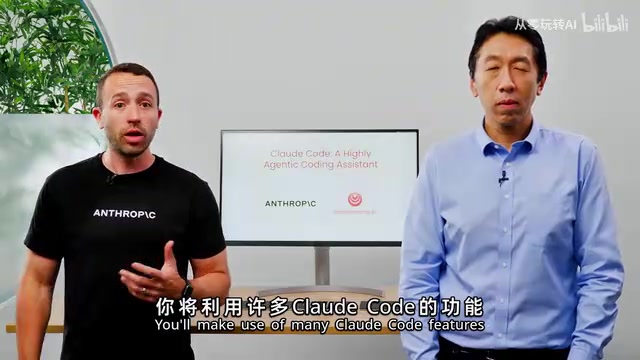
In this project, students will deeply use several core Claude Code features, including Planning Mode, Thinking Modes, Parallel Sessions, and Memory Management.
Memory management relies on Claude Code's unique CLAUDE.md mechanism. CLAUDE.md is a project-level memory file, similar to a project's README.md, but specifically designed for the AI assistant. Developers can create a CLAUDE.md file in the project root directory, recording key information such as architectural conventions, coding standards, common commands, and dependency relationships. Claude Code automatically reads this file on startup, using it as persistent context. More importantly, Claude Code also proactively writes project information it discovers into CLAUDE.md during its work—such as the codebase's module structure, locations of key functions, etc. This mechanism allows Claude Code to maintain "memory" of the project across multiple sessions, avoiding the need to understand the codebase from scratch each time it starts.
Project Two: Jupyter Notebook Data Exploration and Visualization
The second project shifts to the data analysis domain, using Jupyter Notebook to explore e-commerce data. Key focuses include:
- Using Claude Code to refactor Notebooks and eliminate redundant code
- Creating powerful data visualization dashboards
- Transforming analysis results into interactive web applications
This project demonstrates that Claude Code is not only suitable for traditional software development but can also deliver tremendous value in data science and analytics workflows.
Project Three: Automated Conversion from Figma Designs to Frontend Code
The third project is the most cutting-edge—based on Figma visual designs, it uses Claude Code combined with the Figma MCP server to complete the entire workflow from design import, iterative testing, to building a complete frontend application in an agentic manner. This represents an important direction for AI-assisted development: automated bridging from design to code.
Design-to-Code automation has long been the holy grail of frontend development. In traditional workflows, after designers complete visual designs in tools like Figma, frontend developers must manually "translate" design mockups into HTML/CSS/JavaScript code—a time-consuming process prone to insufficient design fidelity. Previous tools have attempted to solve this problem (such as Figma's Dev Mode, Anima plugins, etc.), but they typically can only generate static style code and cannot handle interaction logic and component state management. The Claude Code + Figma MCP server approach goes further—it can not only read visual information from design mockups but also understand component hierarchies and design intent, iteratively generating frontend application code with complete interaction logic in an agentic manner.
Architecture Revealed: Claude Code's Simple Yet Powerful Underlying Design
One surprising discovery in the course is that Claude Code's underlying architecture is remarkably simple. Ng specifically pointed out that Claude Code does not rely on semantic embeddings or converting code into searchable structures to understand codebases.
This point deserves deeper understanding. Semantic embedding is a core technology adopted by many current AI programming tools (such as Cursor, Continue, etc.)—they convert every file, function, and even code block in the codebase into high-dimensional vectors (i.e., embeddings) in the background, storing them in vector databases. When users ask questions, they find the most relevant code snippets through vector similarity search. While effective, this approach requires pre-indexing the entire codebase, and the indexing process typically requires uploading code to the cloud for processing.
Claude Code takes a fundamentally different path. It relies on only a few basic tools:
- Pattern Search: Searching for specific patterns in code files (similar to the grep command)
- Directory Listing: Browsing and understanding project structure (similar to ls/tree commands)
- File Viewing: Reading and analyzing file contents (similar to the cat command)
- Regular Expressions: Performing precise text matching
Claude Code's true power lies in its agentic code reading capability—it can autonomously read code, take notes in CLAUDE.md files, independently understand the codebase's structure and logic, and then make decisions to advance the code based on this understanding. This approach more closely resembles how human developers understand new codebases: first look at the directory structure, then selectively read key files, gradually building an overall understanding of the project.
This architectural design also brings an important security advantage: since there's no need to index the codebase, code can remain entirely local without being uploaded to the cloud for preprocessing. This is a critical consideration for enterprises and developers who prioritize code security.
Advanced Practice: Git Worktrees and Multi-Instance Parallel Collaboration
The parallel session orchestration mentioned in the course is an advanced practice, and Git Worktrees is the key technology supporting it. Git Worktrees is a built-in Git feature that allows developers to check out multiple working directories from the same repository simultaneously, with each working directory corresponding to a different branch. In Claude Code's multi-instance parallel work scenario, Git Worktrees solves a critical problem: if multiple Claude instances modify files simultaneously in the same working directory, conflicts and chaos will ensue. By assigning each Claude instance an independent Worktree (corresponding to an independent branch), multiple instances can safely work in parallel on different parts of the codebase—one instance handles backend API refactoring, another simultaneously writes frontend components, and a third writes test cases in parallel. After completion, the results from each branch are integrated into the main branch through Git's merge mechanism. This working model transforms the developer's role from "code writer" to "AI team coordinator," delivering a qualitative leap in productivity.
Conclusion: A Systematic Upgrade from Tool Operation to Methodology
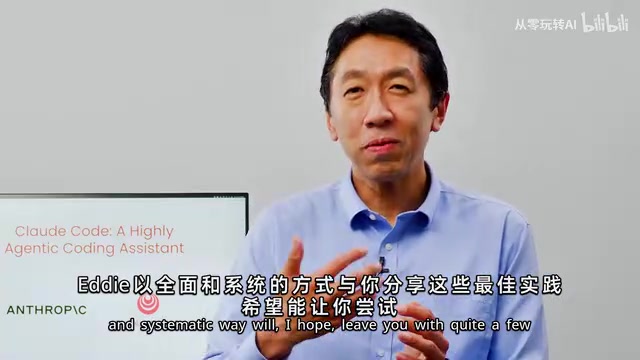
The value of this course lies not only in teaching specific Claude Code operations but also in establishing a systematic methodology for AI-assisted programming. Whether you're a new or experienced Claude Code user, the advanced practices covered in the course—parallel session orchestration, MCP server integration, Git Worktrees collaboration—are all worth studying in depth.
In an era of rapidly iterating AI programming tools, understanding the design philosophy and best practices behind the tools is more important than simply learning operational steps. As Andrew Ng states, mastering these systematic methods will deliver "meaningful acceleration" for developers.
Related articles
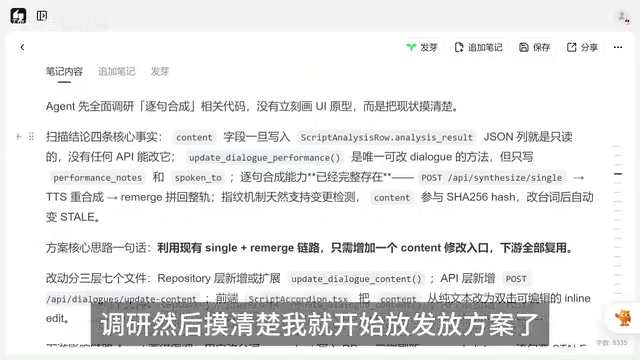
Vibe Coding in Practice: The Right Way to Communicate with AI — Just Ask When You Don't Understand
Learn effective AI communication techniques for Vibe Coding: how to ask when you don't understand, discover plan gaps through follow-ups, and align on terminology with AI.
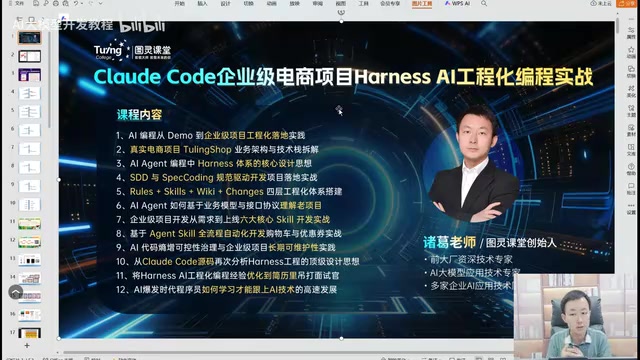
AI Engineering in Practice: The Right Way to Build Enterprise Projects with Claude Code
Learn how to use Claude Code with Specification-Driven Development (SDD) to build enterprise projects, solving common AI coding pitfalls like infinite bug loops, code quality issues, and hallucination risks.
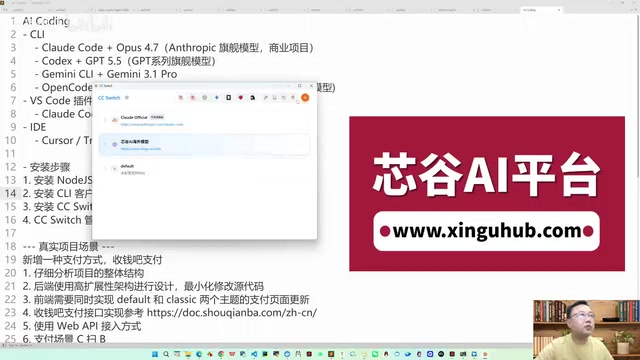
Claude Code Practical Guide: From Installation & Configuration to Production-Ready Business Projects
Complete guide to Claude Code + Opus setup via CCSwitch for unified model management. Real-world case: payment system built in 4 hours with zero hand-written code, covering installation, Prompt engineering, and model selection.