Building a Complete Mini Program with Codex: A Full-Process Walkthrough from Zero to Launch
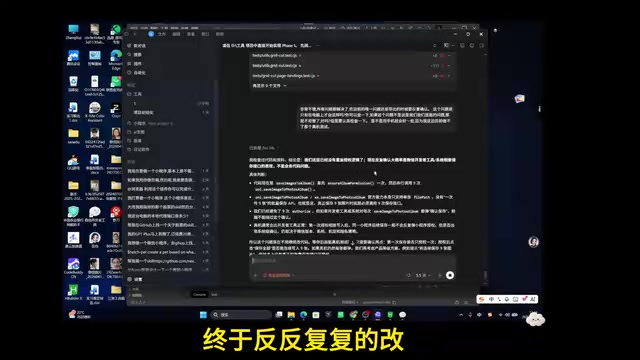
A complete guide to building a full-stack WeChat Mini Program using OpenAI Codex with practical AI workflow tips.
This article documents the full process of using OpenAI Codex to build a WeChat Mini Program image toolbox from scratch, covering seven core features, membership systems, and WeChat Pay integration. It highlights key AI-assisted development practices including phased project management, context window management through handoff documents, and effective prompting strategies for debugging and testing.
Overview: Full-Stack Development of an Image Toolbox Mini Program in 40 Minutes
This article is based on a hands-on demonstration by a Bilibili creator, documenting in detail how to develop a complete WeChat Mini Program—an image editing toolbox—from scratch using OpenAI Codex. This project covers full-stack development including frontend, backend, database, cloud functions, and payment integration, with seven core features: image watermarking, nine-grid image splitting, image collage, image compression, image-to-PDF conversion, PDF-to-image conversion, image editing, plus a membership system and payment functionality.
The entire development process showcases a mature AI-assisted development workflow, offering tremendous reference value for developers looking to boost their efficiency with AI.
Step 1: Requirements Documentation & Project Management
Start with a Requirements Document
A real commercial project must begin with a preliminary requirements document before any development starts. The document should include project positioning, project structure, core feature list, and the buttons and operational flows for each feature. After sending the requirements document to Codex, have it read and align on the understanding.
Once aligned, send a prompt to have Codex generate the project's agents.md file, advancing the project in stages (Stage 0/1/2/3). Codex will generate a complete stage document, clearly defining what should and shouldn't be done at each stage.
Core Principles of Project Management
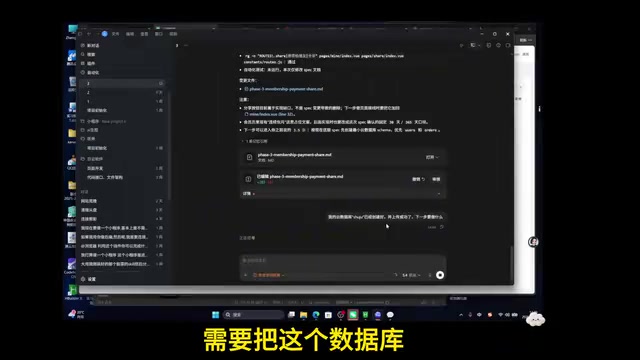
There's a critically important project management principle here: Don't cram all conversations into a single window. Specific recommendations include:
- Maintain a main conversation as the project management hub
- When developing each feature, branch into a new work tree
- After completing a feature, merge back to the main line via a handoff document
- This prevents AI hallucinations caused by overly long context windows
Step 2: Phased Feature Development
Image Watermarking
The first feature developed was image watermarking. After development, testing in the WeChat Developer Tools revealed issues (such as no real-time preview during dragging), which were directly screenshotted and sent to Codex for fixes. The refined feature supports:
- Real-time drag preview of watermark position
- Live adjustment of font size, opacity, and rotation angle
- Color selection and position customization
- Generation and saving of results
Nine-Grid Image Splitting
Nine-grid splitting supports multiple templates: circle, heart, lace, and other preset templates, as well as custom templates (rectangular, square, different split counts). During development, attention must be paid to context memory transfer—using handoff documents to keep new work trees informed of project progress.
Image Collage
Image collage is one of the most feature-rich modules, ultimately delivering:
- Vertical/horizontal free stitching
- Single-tap image rotation, scaling, dragging, and deletion
- Border color and spacing adjustment
- Template collages (side-by-side, vertical, primary-secondary, and various other layouts)
- Aspect ratio selection and one-tap saving
Image Editing
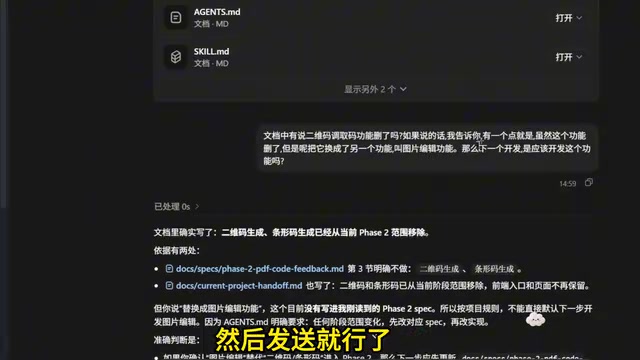
The image editing feature includes four sub-functions: cropping, rotation, text overlay, and stickers. Text supports color, size, opacity, and bold adjustments; stickers support dragging and scaling. All editing results can be saved to the local photo album and viewed in history.
Step 3: PDF-Related Features & API Calls
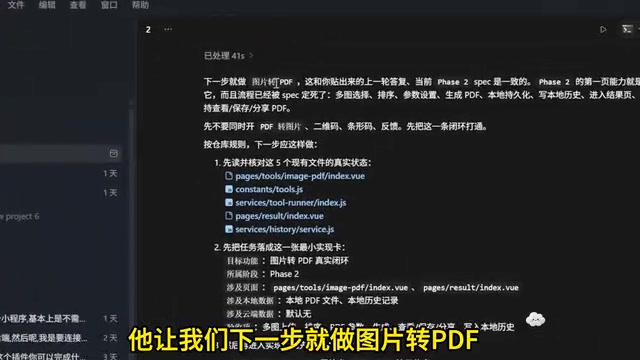
Image to PDF (Local Implementation)
Codex adopted a "local-first, no cloud dependency, minimal library imports" strategy to implement image-to-PDF conversion. The final feature supports:
- Multi-image selection and ordering (move up, move down, delete, replace)
- A4/A5/B5 paper size selection
- Portrait/landscape orientation settings
- Page margin adjustment
- Custom file naming
- Sharing via WeChat after generation (Mini Programs cannot directly save files to the phone)
PDF to Image (Requires API)
PDF-to-image conversion was the most complex part of the entire project. During development, it became clear that this feature required an external API call and couldn't be accomplished locally or through cloud functions alone. The debugging process encountered numerous errors, and the author spent an entire evening resolving them.
Key prompting technique: Tell Codex "Regardless of how much quota it costs, after fixing the code you must run real tests—actually send requests to verify the API returns results, and test repeatedly until successful." This instruction kept Codex running for 36 minutes, ultimately completing the debugging autonomously.
Step 4: Membership System & WeChat Payment Integration
Database & Cloud Function Setup
The third stage enters membership system development, requiring:
- Creating a cloud database (user entitlements table), defining fields like OpenID, membership level, remaining usage count, etc.
- Creating new cloud functions to handle membership, payment, and usage deduction business logic
- Configuring the UniCloud service space
Three-Step Payment Integration
Payment integration is divided into three clear steps:
- Create Order: After the user clicks to subscribe, generate an order record in the database
- Pre-order & Invoke WeChat Pay: Configure merchant ID, AppID, AppKey, and other information; bind the payment callback domain
- Payment Callback & Entitlement Delivery: After successful payment, automatically update order status and add usage credits or activate membership for the user
Each step requires real testing and verification—checking whether the database generates an order, whether WeChat Pay launches correctly, and whether entitlements are properly credited after payment.
Key Development Tips Summary
Prompting Strategies
- Ask about the approach before development: "How do you plan to develop this feature? Requirements are stability and lightweight implementation"
- Avoid rework: Tighten the logic before development begins; clearly define key behaviors like saving and previewing
- Use natural language for bug fixes: Simply screenshot + voice-describe the problem—simple and efficient
- Force real testing: Require the AI to not just modify code, but actually call and verify
AI Programming Workflow Best Practices
- Generate a handoff document after each feature is completed to ensure context continuity
- Before starting a new feature, verify that the AI has correctly read the memory
- Conduct full acceptance testing after each stage is complete; confirm stability before moving to the next stage
- Like building with blocks, continuously ask the AI "What's the next step?" to maintain development rhythm
- For complex bugs, let the AI loop through debugging autonomously with clearly defined success criteria
Conclusion
This hands-on case proves that with AI programming tools like Codex, a single person can independently complete a full commercial-grade Mini Program encompassing frontend, backend, database, and payment integration. The key isn't how powerful the AI is, but whether the developer can establish a clear project management process, a reasonable context management strategy, and precise prompting techniques. AI is a powerful executor, but project architecture design, requirements control, and quality acceptance still need to be led by humans.
Related articles

iOS 27 New Details Leaked: Major Notification Center Gesture Changes, Find My Interface Redesign
iOS 27 leaks reveal major changes: Notification Center gesture moves to upper left with new animations, Find My visual redesign, Photos Clean Up improvements, and under-the-hood security upgrades.

Deep Dive into the AI Bubble: The Death Spiral of Losing $1.22 for Every $1 Earned
Deep analysis of the AI industry bubble: OpenAI's -122% profit margin, enterprise token budgets burned in months, NVIDIA's shell game, and collapsing software quality.

WWDC 2026 Preview: Major Siri Overhaul and Comprehensive Apple Intelligence Upgrade
Deep analysis of WWDC 2026 Apple AI strategy: standalone Siri app, iOS 27 as an AI-native OS, and Apple Intelligence 2.0 rebuilt from the ground up.