Claude Code Skills Explained: A Practical Guide to AI-Powered Test Case Generation
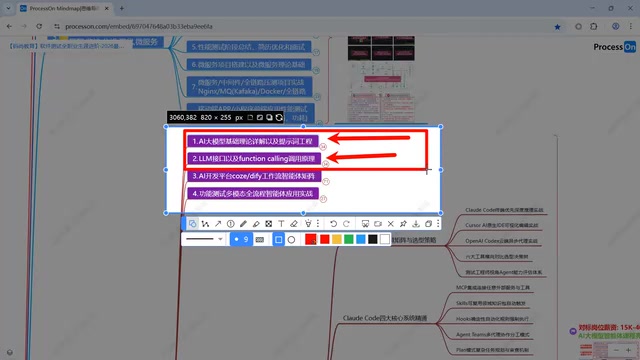
How Claude Code Skills transform prompt engineering into scalable, version-controlled AI test case generation.
This article explains Claude Code Skills — the practice of converting prompts into structured Markdown files — and their four core advantages: expanded length, team reusability, version control, and progressive loading. It details how Skills fit into the AI-assisted testing stack alongside Prompt Engineering, Function Calling, and Agent development, and provides a practical workflow for automated test case generation using Claude Code.
What Are Skills? The Evolution from Prompts to Files
In the field of AI-assisted testing, Skills (skill files) are becoming an increasingly important concept. Simply put, Skills are essentially prompts written as Markdown files. This may sound unremarkable, but the chain reaction triggered by this evolution far exceeds expectations.
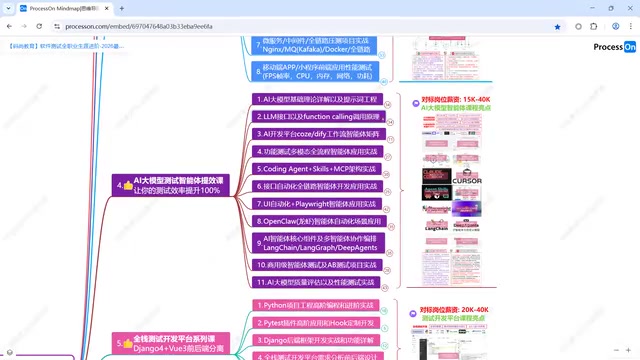
To understand Skills, we need to first review the AI-assisted testing technology stack. The overall system can be roughly divided into several layers: AI large model theory fundamentals, Prompt Engineering, Function Calling, and Agent development — and Skills play a critical role at the Agent development stage.
Prompt Engineering refers to the systematic methodology of carefully designing text instructions fed to large language models to guide them toward producing desired outputs. It encompasses various technical paradigms including Zero-shot prompting, Few-shot prompting, Chain-of-Thought, and more. In the testing domain, a good prompt often needs to include business descriptions of the system under test, testing type requirements, output format constraints, boundary condition hints, and other multi-dimensional information. This makes prompts tend to become lengthy and hard to maintain — which is precisely the direct motivation behind the birth of the Skills file-based approach.
Function Calling is another key capability of large language models, allowing models to recognize user intent during conversations and invoke predefined external functions or APIs. For example, when a user requests "check the test coverage of a certain API," the model doesn't fabricate data but instead calls a real code analysis tool to obtain results. OpenAI pioneered the large-scale adoption of this capability in 2023, and major models quickly followed suit. Function Calling is the cornerstone of building AI agents — without tool-calling capabilities, AI can only "talk" but not "do," unable to truly intervene in actual workflows like test execution and code analysis.
In other words, if you've already mastered the basic principles of Prompt Engineering and Function Calling, understanding Skills will be very easy. Conversely, if these foundations are weak, you may need to study them first.
The Four Core Advantages of Skills
There are quite a few skeptical voices online: "It's just writing prompts as files — what's the big deal?" This view overlooks the cascading, progressive advantages that come with file-based management.
Greater Length, Richer Instructions
Writing prompts in a chat box limits both length and structure. But when written as Markdown files, you can describe much richer and more detailed AI instructions in a single file. For scenarios like test case generation that require extensive contextual descriptions, this is especially important — you can define testing strategies, boundary conditions, output formats, and more in detail.
Easy Reuse and Team Sharing
Once you've polished your prompts into Skills files, they gain cross-project reusability. This project can use them, the next project can use them too; you can use them, and other team members can use them directly once they have the files. This is hugely significant for knowledge accumulation and efficiency improvement in testing teams.
Version Control
Optimizing prompts is a never-ending process. When Skills exist as files, they can naturally be incorporated into version control systems like Git. What was changed, why it was changed, which version to roll back to — these operations that are commonplace in software development can now be applied to prompt management as well.
Progressive Loading — The Most Critical Differentiating Capability
This is the most distinctive and disruptive advantage of Skills.
For comparison, let's look at MCP (Model Context Protocol): MCP is an open standard protocol released by Anthropic in late 2024, designed to establish a unified communication interface between large language models and external data sources and tools. It uses a client-server architecture where each MCP Server encapsulates a set of specific capabilities (such as file read/write, database queries, browser operations, etc.), and has been likened to "the USB-C port of the AI world." However, when you configure a large number of MCP Servers, all tool descriptions are loaded into the context at once, which severely consumes the context window and causes the AI to suffer from "choice paralysis" — too many tools create confusion and actually degrade decision quality.
Here we need to understand a key concept: the Context Window refers to the maximum number of tokens a large language model can process in a single interaction. Even the most advanced current models (such as Claude's 200K tokens or GPT-4o's 128K tokens) have limited context windows. More critically, research shows that models exhibit a "Lost in the Middle" phenomenon when processing very long contexts — information located in the middle of the input tends to be ignored by the model. Therefore, the context window is not just a capacity issue but also an attention allocation issue.
The progressive loading mechanism of Skills is designed precisely to address this pain point, and it works completely differently from traditional approaches:
- First, only metadata is loaded (summary descriptions of the files)
- Based on the current task, it determines whether the full Skills file needs to be loaded
- On-demand loading — only truly relevant skill instructions are brought in
This means the AI stays focused while processing tasks, with the limited context window always occupied by the most relevant information, never degrading performance due to context overload. For testing scenarios, you can prepare dozens of different testing Skills (functional testing, performance testing, security testing, API testing, etc.), and the AI will only load the corresponding one when needed.
Practical Application of Skills in Test Case Generation
Basic Workflow
Here's the basic workflow for using Skills to generate test cases in Claude Code. First, a brief introduction to Claude Code: it's a command-line AI programming assistant released by Anthropic, officially launched in early 2025. Unlike traditional IDE plugin-style AI assistants, Claude Code runs directly in the terminal and can read the entire project codebase, execute Shell commands, and manipulate the file system, providing true "full-project awareness." It supports placing configuration files and Skills files in the project root directory (typically under the .claude/ directory), so the AI automatically loads project-level instructions and constraints each time it starts. This design makes Claude Code particularly well-suited for test case generation scenarios that require deep understanding of project context.
The specific workflow is as follows:
- Write Skills files: Define test case generation rules, templates, and constraints in Markdown format
- Configure in the project: Place Skills files in the project's designated directory
- Trigger generation: Through Claude Code's command-line interaction, the AI automatically identifies and loads relevant Skills
- Output test cases: The AI generates structured test cases based on the instructions in the Skills, combined with the project code context
Comparison with Traditional Approaches
Traditional AI-assisted testing typically involves repeatedly debugging prompts in a chat box, re-describing requirements each time. With the Skills-based approach, you only need to define the rules once, and every subsequent use is a "one-click trigger." This not only improves efficiency but, more importantly, ensures consistency and controllability in test case generation.
Technology Stack Positioning and Learning Path
From the perspective of the overall AI testing technology ecosystem, Skills occupy a pivotal connecting position:
- Foundation Layer: AI large model theory + Prompt Engineering + Function Calling principles
- Platform Layer: Developing agents via platforms (using various AI platforms)
- Command-Line Layer: Developing agents via command line (Claude Code + Skills belong here)
- Framework Layer: Agent development at the framework level using OpenAI SDK and similar tools
- Testing Layer: Testing the agents themselves
It's worth expanding on the concept of Agent here. An AI Agent is an AI system capable of autonomously perceiving its environment, formulating plans, invoking tools, and iteratively executing tasks. Unlike simple "question-and-answer" style conversations, agents possess capabilities for task decomposition, multi-step reasoning, and self-correction. In the testing domain, a testing agent might automatically analyze requirements documents, identify test points, generate test cases, write automation scripts, and even execute tests and analyze results. 2024–2025 has been regarded by the industry as the "Year One of Agents," with major vendors releasing Agent frameworks one after another. The role Skills play in the agent architecture is similar to a "skill pack" — it tells the agent how to act in specific scenarios and is a key mechanism for agent specialization.
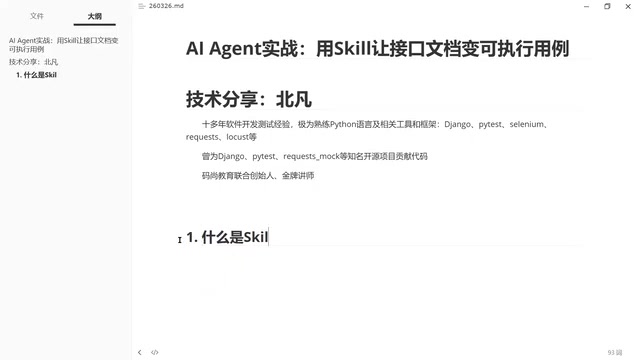
One detail worth noting: Skills is not a concept exclusive to any particular tool. Although this article uses Claude Code as an example, the philosophy behind Skills — making prompts file-based, structured, and version-controlled — is universal. Whether you're using Doubao, DeepSeek, or other AI tools, this methodology has reference value.
Summary and Practical Recommendations
Skills may seem like a simple step of "just writing prompts as files," but the four major advantages it brings — greater length, easy reuse, version control, and progressive loading — make it a critical component in the engineering implementation of AI-assisted testing.
For testing practitioners, here are some recommended starting points:
- Build a solid foundation first: Make sure you understand the basic principles of Prompt Engineering and Function Calling
- Start small: Write a Skills file for one specific testing scenario first to experience the complete workflow
- Iterate continuously: Use version control to constantly optimize your Skills — this is a never-ending process
- Build as a team: Share and reuse excellent Skills within your team to form a testing knowledge base
AI won't replace testers, but testers who leverage AI will certainly replace those who don't. Skills is the key technology that takes AI-assisted testing from "usable" to "truly effective."
Related articles
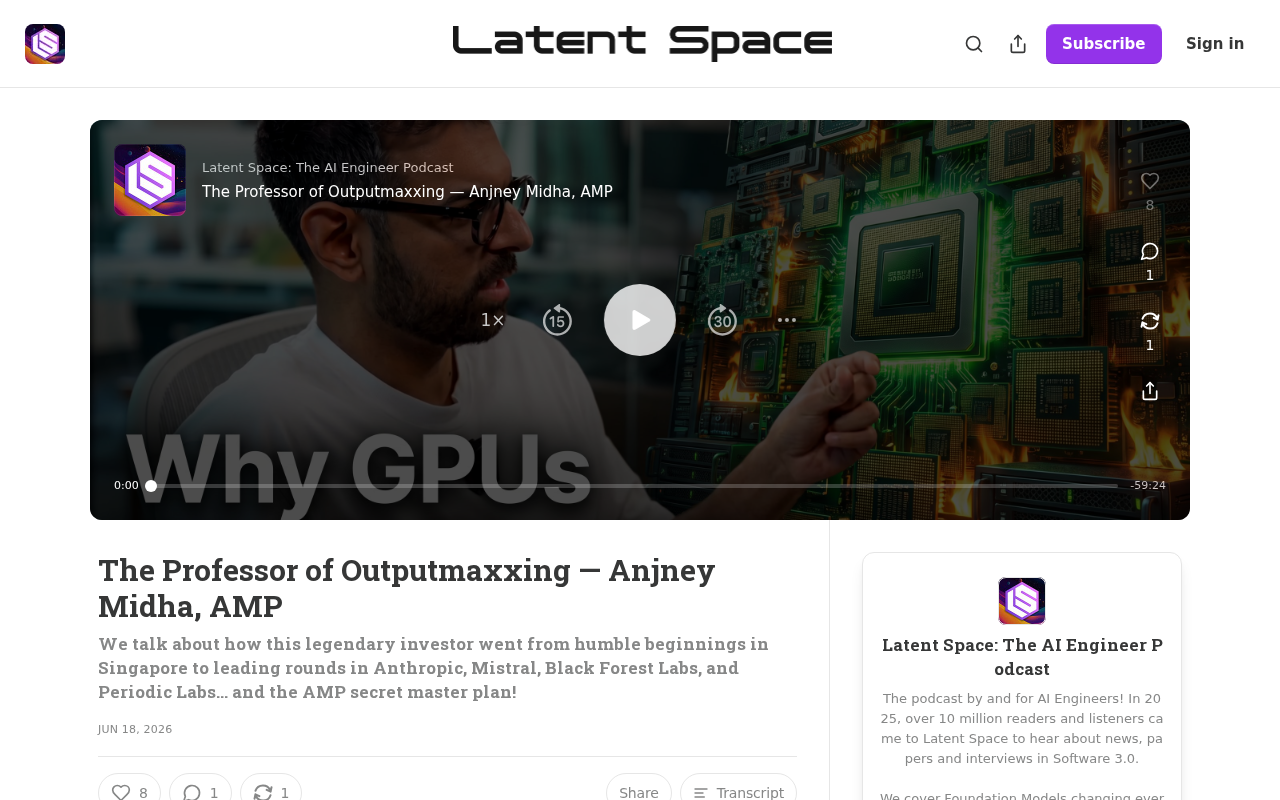
Anjney Midha: The Rise from Singapore to Helm of a16z's AI Investment Empire
Deep dive into Anjney Midha, the key figure behind a16z's AMP fund, covering investments in Anthropic, Mistral, and Black Forest Labs, and his Outputmaxxing philosophy.
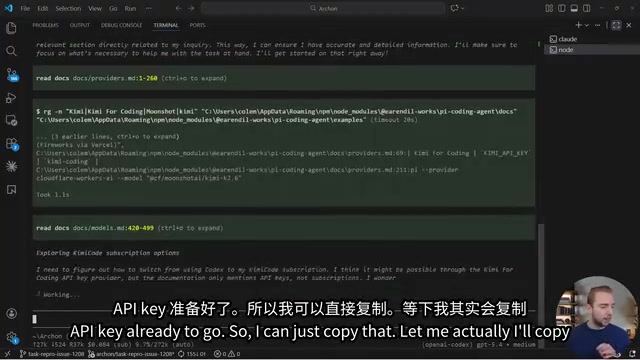
Pi: A Lightweight AI Coding Agent Framework — Setup & Hands-On Guide
A deep dive into Pi, a minimalist AI coding Agent framework covering multi-model support, extensions, skill loading, and hands-on custom extension building with model mixing strategies.

Why the Mayor of Los Angeles Has No Real Power: A City Designed to Be the Anti-New York
Why does LA's mayor seem powerless during crises like wildfires? It's not about competence — it's a century-old system designed to prevent corruption by radically decentralizing power.