Claude Design: Anthropic's AI-Powered Design Prototyping and Exploration Tool
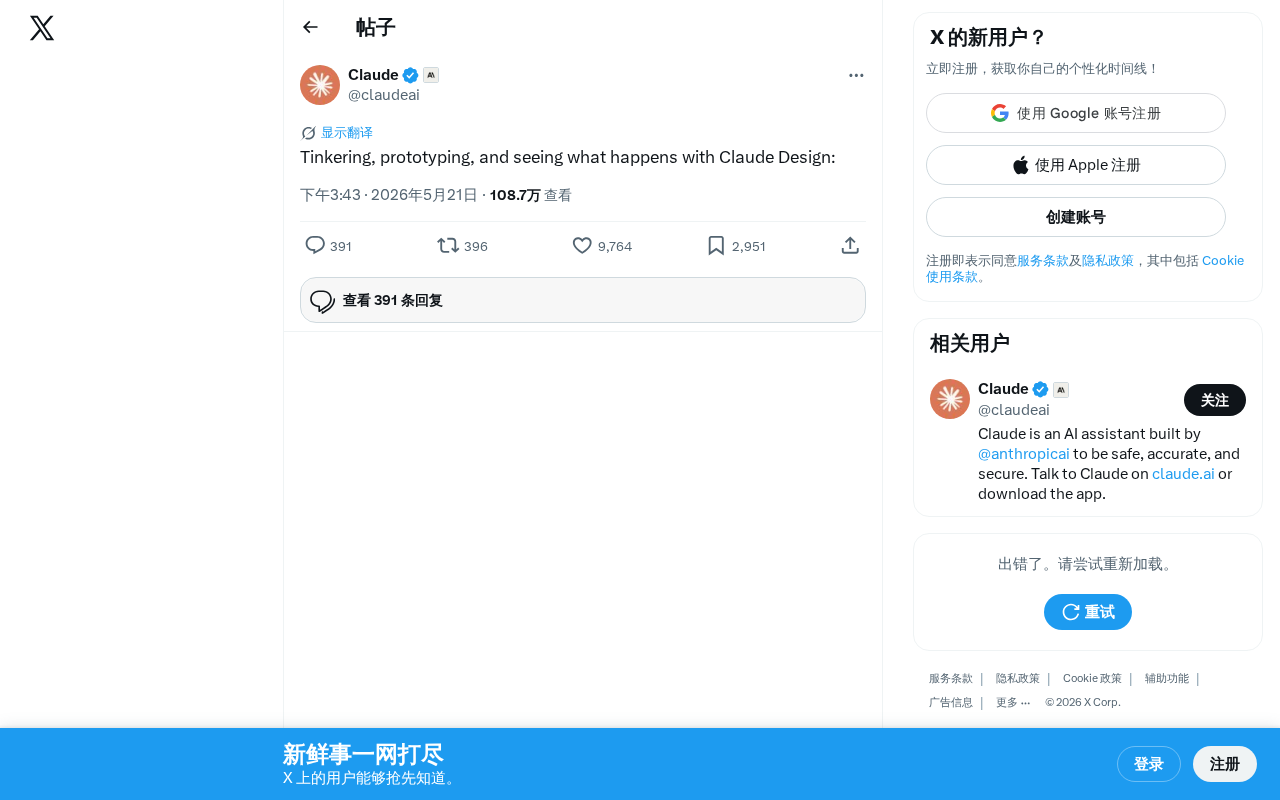
Anthropic unveils Claude Design, an AI tool for exploratory design prototyping via natural language.
Anthropic has introduced Claude Design, an AI-powered tool centered on exploratory prototyping and a "tinkering" philosophy. Positioned as a low-barrier creative platform rather than a Figma replacement, it lets users generate design prototypes through natural language. The tool enters a competitive landscape alongside Vercel's v0, Bolt, and Lovable, leveraging Claude's reasoning strengths for complex interaction logic. Its impact spans lowering prototyping barriers for non-designers and boosting efficiency for professionals.
What Is Claude Design?
Anthropic recently showcased a new feature direction called Claude Design, centered around the philosophy of "exploring, prototyping, and seeing what happens." Based on official demonstrations shared on social media, this represents an attempt to deeply integrate AI capabilities into the design workflow.
Understanding Claude Design's Product Positioning Through the "Tinkering" Philosophy
The Core Philosophy of Exploratory Design
The official team used three keywords to describe Claude Design's use cases: Tinkering, Prototyping, and Seeing what happens. These three terms send a clear signal — Claude Design isn't meant to replace professional design tools like Figma. Instead, it's positioned as a low-barrier creative exploration platform.
The concept of tinkering has deep roots in tech culture. It originates from the educational philosophy of the MIT Media Lab, championed by constructionist learning theory as proposed by scholars like Seymour Papert. In Silicon Valley culture, tinkering represents a methodology of discovering problems and solutions through hands-on experimentation — a stark contrast to traditional waterfall development processes. This philosophy gained widespread traction through the Maker Movement, emphasizing "learning by doing" rather than "doing after learning." Anthropic's choice of this term to position Claude Design suggests a product philosophy closer to a creative workshop than an industrial production line.
This "just try it and see" mentality aligns closely with current trends in AI-assisted design. Traditional design workflows typically require defining requirements first, then creating wireframes, and finally producing high-fidelity prototypes — a time-consuming process that demands specialized skills. Claude Design aims to break this linear workflow, enabling users to quickly generate design prototypes through natural language descriptions and find optimal solutions through continuous iteration.
The Competitive Landscape of AI Design Tools
The AI-assisted design space has already seen several strong competitors emerge. From Vercel's v0 to Bolt and Lovable, multiple tools are attempting to use AI to lower the barriers to frontend design and development. Claude Design's entry signals that Anthropic is extending Claude's capabilities beyond pure text-based conversation into more visual and interactive domains.
From a technical architecture perspective, significant differences exist among current AI design tools. Vercel's v0 is built on its Next.js ecosystem, primarily generating React component code with live previews. Bolt and Lovable focus more on rapid full-stack application scaffolding. These tools typically rely on large language models' code generation capabilities, combined with preset UI component libraries (such as shadcn/ui and Tailwind CSS) to ensure output quality. While Claude Design's technical approach hasn't been fully disclosed, given Claude's strengths in long-context understanding and multi-step reasoning, it may possess unique capabilities in maintaining design system consistency and handling multi-page interaction logic.
Compared to competitors, Claude Design's potential advantage lies in the Claude model's powerful comprehension and reasoning abilities. If these capabilities can be effectively translated into design output quality, it could create a unique competitive moat in prototyping complex interaction logic.
How Claude Design Impacts Designers and Developers
Lowering the Barrier to Prototyping
For product managers, entrepreneurs, and developers without a design background, the core value of AI design tools like Claude Design is the ability to quickly transform ideas into visual prototypes for team communication and concept validation. This dramatically shortens the distance between "idea" and "visible artifact."
To appreciate this value, consider the pain points in traditional product development workflows. Taking an idea from concept to interactive prototype typically requires multiple stages: writing requirements documents, designing information architecture, creating low-fidelity wireframes, annotating interaction specifications, producing high-fidelity visual mockups, and building interactive prototypes. Even with modern design tools like Figma, a moderately complex page prototype requires hours to days of work from a professional designer. Each step in this process can introduce information loss — the picture in a product manager's mind often differs from what the designer understands, requiring multiple rounds of communication to align. The value of AI design tools lies precisely in compressing this chain, turning the person with the vision directly into the creator.
A Force Multiplier for Designers
For professional designers, Claude Design is better suited for rapid directional exploration in the early stages of a project. When multiple design concepts need to be produced in a short timeframe, AI-assisted prototyping can significantly boost efficiency. Designers can devote more energy to creative decision-making and detail refinement rather than repetitive foundational work.
Outlook and Reflections
Claude Design is still in its early demonstration phase, and specific feature details and user experience await further disclosure. However, the fact that Anthropic chose to publicly showcase this direction indicates that AI-assisted design has become a critical battleground for large model providers.
Behind this trend lies a platform-level transformation underway in the design tool ecosystem. Adobe's $20 billion bid to acquire Figma in 2022 (later abandoned due to regulatory concerns) marked the moment when the strategic value of the design tool market was fully recognized. Design tools are currently evolving from standalone utilities to platform ecosystems: Figma launched Dev Mode to bridge design and development, and FigJam to cover collaborative whiteboard scenarios; Adobe embedded generative AI into its entire Creative Cloud suite through Firefly. Against this backdrop, large model providers entering the design space isn't merely a feature expansion — it's a battle for the creative entry point. Whoever becomes the starting point for creative work controls the traffic distribution across the downstream tool chain.
Several questions worth watching include:
- Will Claude Design be released as a built-in feature of the Claude product?
- Can the design prototypes it generates be directly exported as usable frontend code?
- How will it integrate with existing design tools like Figma?
The answers to these questions will determine Claude Design's place in real-world workflows.
Regardless, the open-ended design exploration philosophy of "just try it and see what happens" itself represents a shift in how we create in the AI era — moving from precise planning to rapid iteration, and from professional gatekeeping to universal accessibility.
Key Takeaways
Related articles

Claude Code for Test Development in Practice: An AI Programming Workflow That Doubles Your Efficiency
A practical guide to Claude Code for test development: auto-generating test scripts, Plan Mode workflows, MCP + Playwright integration, and Subagent parallel tasks to build systematic AI-assisted workflows.

Hermes Agent Hands-On Review: An AI Efficiency Revolution for Indie Game Developers
Indie game developer reviews Hermes Agent vs OpenClaude: intelligent context compression, real-time Memory, remote control via Telegram, and practical use cases in game dev, social media, and email.

Vibe Coding Beginner's Guide: Tool Selection Across Three Categories with Practical Examples
A comprehensive guide to Vibe Coding's three tool categories: Agent frameworks, CLI Coding, and IDE tools, with practical examples including Snake game and data analysis workbench.