CLAUDE.md Convention Files: A New Paradigm for Project Development Standards in the AI Programming Era

CLAUDE.md is a project convention file that guides AI to generate standardized, consistent code.
CLAUDE.md is a convention file placed in the project root directory for Claude Code to automatically read, covering core modules like technology stack declarations, frontend/backend development standards, and database design rules. It constrains AI code generation behavior through natural language, unifying output style, clarifying context boundaries and prohibitions, and documenting known bug fixes to avoid repeated pitfalls. It essentially solidifies Prompt Engineering into a version-controllable engineering practice, enabling efficient human-AI collaborative development.
From Traditional Development Standards to AI Convention Files
In traditional software development, teams typically establish a set of development standard documents before project kickoff, covering naming conventions, code style, architectural agreements, and more. Developers code according to these documents to ensure project consistency and maintainability.
However, when AI programming tools (like Claude Code) enter the development workflow, these standards need to exist in a new form — a CLAUDE.md file placed in the project root directory. This file isn't just for humans to read; more importantly, it's for the AI. Claude Code automatically reads this convention file during programming, generating code that conforms to project standards.
Claude Code is a command-line AI programming assistant from Anthropic. Unlike traditional code completion tools (like GitHub Copilot), it can understand the entire project context and execute complex multi-file editing tasks. The design inspiration for CLAUDE.md comes from project-level configuration files like .editorconfig and .eslintrc — declaring project rules through a file at a conventional location. The difference is that CLAUDE.md is written in natural language, allowing AI to understand semantic-level constraints rather than just formatting rules. This mechanism is essentially the practical implementation of Prompt Engineering in engineering scenarios, solidifying scattered prompts into version-controllable project assets.
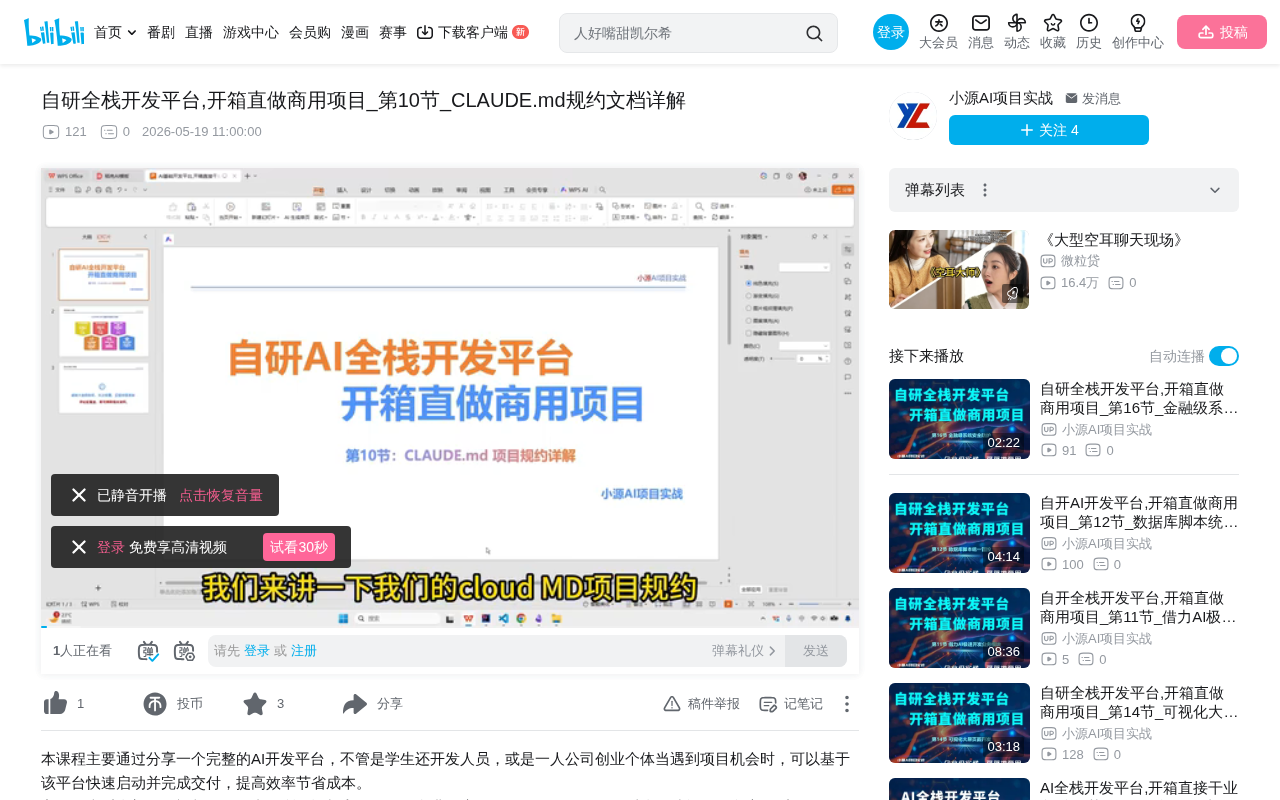
Core Content Structure of CLAUDE.md
A complete CLAUDE.md convention file typically contains the following core modules:
Technology Stack Declaration
First, you need to clearly tell the AI what technology stack the current project uses. Taking a full-stack development platform as an example:
- Backend: Java + Spring Boot + MyBatis + Redis + MyBatis Plus
- Admin Panel: Ant Design Pro + React 18 + TypeScript
- Mobile: uni-app
- API Standard: RESTful API
This gives the AI a global view of the technical architecture, preventing it from deviating from the technology choices when generating code.
The technology stack declaration may seem simple, but it actually solves a core problem of large language models — multi-solution ambiguity. Taking Java Web development as an example, AI might waver between Spring Boot, Quarkus, and Micronaut, or hesitate between MyBatis and JPA. After explicitly declaring the technology stack, AI code generation locks onto specific API styles and design patterns. For instance, after declaring MyBatis Plus, the AI will use its provided features like BaseMapper and LambdaQueryWrapper, rather than generating native JDBC or JPA-style code. This constraint reduces the AI's search space from exponential to linear, significantly improving the accuracy of generated code.
Backend Development Standards
The backend standards are the most detailed part of the CLAUDE.md document, including:
Directory Structure:
base.command: Stores commonly used top-level classes, utility classes, and constantsbase.framework: Security configuration, global handlers, and other framework-level codemodel.system: Business module code
Code Layering Conventions:
- Folders organized by module, with specific suffixes for each layer
- Company domain name used as package name prefix
Core Conventions:
- Unified API response format
- Permission control using specific annotations
- Persistence methods and database dictionary definitions
- Exception handling standards
- Mandatory audit logging (all endpoints must include
@AuditLogannotation)
Frontend Development Standards
Web (Ant Design Pro):
- Type definition standards
- Permission control methods
- Unified request entry components
- Modal component usage standards
- Known bug fixes (this is particularly important to prevent AI from repeatedly generating problematic code)
Writing known bugs and their fixes into CLAUDE.md is a defensive programming strategy targeting AI. Large language models have training data cutoff dates and may lack awareness of the latest framework bugs or compatibility issues with specific version combinations. For example, if a certain version of Ant Design Pro's ProTable component has a pagination state loss issue under specific conditions, and this isn't noted in the document, the AI might trigger this bug every time it generates table code. This practice is similar to traditional development "pitfall records," but the audience has shifted from humans to AI, requiring more precise language to describe trigger conditions and fix solutions.
Mobile (uni-app):
- UI framework selection
- Unit definition standards
- Recommended layout approaches
Database Design Standards
- Every table must include:
id,create_time,update_time,is_deletedfields - Table structure design based on the RBAC permission model
- Database engine selection
- Data dictionary storage standards (specifying dictionary table structure)
RBAC (Role-Based Access Control) is the most common permission management model in enterprise applications. Its core concept is assigning permissions to roles, then assigning roles to users, forming a three-tier structure of user-role-permission. A typical RBAC table structure includes: sys_user (user table), sys_role (role table), sys_permission (permission table), sys_user_role (user-role association table), and sys_role_permission (role-permission association table). After declaring this model in CLAUDE.md, the AI will automatically follow this table structure and query logic when generating permission-related code, avoiding flat permission hardcoding approaches. The mandatory is_deleted field requirement reflects the soft delete design philosophy, ensuring the AI won't generate physical DELETE SQL statements, safeguarding data traceability.
Interaction Commands and Initialization Sequences
The document also includes descriptions of interaction commands, such as security checks (SQL injection detection), configuration validation, and other automated workflows.
Five Core Values of CLAUDE.md
1. Unified AI Code Generation Standards
Human developers need standards, and so does AI. Without clear standards, AI-generated code can be highly inconsistent, potentially varying in style with each generation. With CLAUDE.md, the AI programming assistant has clear "behavioral guidelines," producing more stable code style and quality.
2. Consolidated Core Project Documentation
Previously, project documentation was scattered across various locations, requiring reorganization during delivery. CLAUDE.md centralizes core standards in a single file, serving both as a guidance file for AI and as the project's core technical documentation — killing two birds with one stone.
3. Clear Context Boundaries for AI
This is CLAUDE.md's most critical function — telling the AI: what technologies we use, what standards must be followed, and how to fix specific bugs. This greatly reduces the AI's "guessing" space, improving the accuracy and usability of generated code.
4. Defined Business Boundaries and Prohibitions
The document can explicitly state "things that are forbidden," and the AI will not develop in those directions after reading it. This essentially defines a safe operating range for the AI, preventing generation of code that doesn't meet business requirements.
5. Reduced Onboarding Costs and Improved Engineering Efficiency
When new members join a project, reading CLAUDE.md allows them to quickly understand the project architecture and technical conventions. Combined with Claude Code, they can generate standards-compliant APIs, entities, and other code with a single command, dramatically improving development efficiency.
Practical Tips for Writing CLAUDE.md
If you're using Claude Code or similar AI programming tools, here are practical tips for writing convention files:
- Establish CLAUDE.md early: Create it during project initialization, not as an afterthought
- Continuously iterate and update: As the project evolves, keep adding new standards and solutions to known issues
- Include specific code examples: Don't just write rules — include example code for more accurate AI comprehension
- Document bug fix solutions: Write down errors the AI tends to make and their fixes to avoid repeated pitfalls
- Clearly state prohibitions: Explicitly listing forbidden practices is more effective than vague "suggestions"
The essence of CLAUDE.md is transforming Prompt Engineering from a one-time conversational act into a sustainably maintainable engineering practice. Traditional AI prompts exist in chat windows — they can't be reused, collaborated on, or have their change history tracked. As a project file, CLAUDE.md naturally integrates into the Git version control system, allowing team members to review and iterate on convention content through Pull Requests. This means the AI's "behavioral configuration" gains the same engineering management capabilities as business code, including change tracking, branch management, code review, and rollback mechanisms. When a team discovers the AI repeatedly generating suboptimal code in a certain scenario, they can submit a convention patch just like fixing a bug, and all subsequent AI interactions will immediately benefit.
Conclusion
CLAUDE.md is essentially the evolutionary form of traditional development standard documents in the AI programming era. It serves not only human developers but more importantly acts as a "behavioral guide" for AI programming assistants. Through a well-structured, comprehensive convention file, AI tools like Claude Code can generate more standardized and consistent code, truly achieving an efficient human-AI collaborative development model.
Key Takeaways
- CLAUDE.md is a project convention file for the AI programming era, placed in the project root for Claude Code to automatically read
- The document covers core modules including technology stack declaration, frontend/backend development standards, database design standards, and interaction commands
- Its core value lies in unifying AI-generated code standards, clarifying context, and setting business boundaries and prohibitions
- Writing known bug fixes into the document prevents AI from repeatedly generating problematic code
- CLAUDE.md serves both AI and human developers, functioning as both a programming guide and project documentation
Related articles
 Tutorials
Cursor + Codex Dual-IDE Collaboration: A Practical Methodology for Open-Source Project Customization
A complete methodology for open-source project customization based on real-world experience, detailing the Cursor+Codex dual-IDE workflow, seven-stage process, MVP validation, and AI source code reading techniques.
 Tutorials
Cursor Multi-Agent in Practice: Building a Full-Stack Next.js Blog in 50 Minutes
Build a full-stack blog in 50 minutes using Cursor IDE's multi-Agent mode with Next.js, Clerk auth, and Supabase. Learn the 4-phase AI Agent workflow and key integration pitfalls.
 Tutorials
Building an AI Software Factory from Scratch: A Cursor Engineer's Hands-On Experience with Multi-Agent Collaboration
Cursor engineer Eric shares practical insights on building an AI software factory: automation levels, guardrail design, parallel Agent management, and scaling to 1000+ Agents for 24/7 development.