Codex Hooks Explained: The Automation Powerhouse That Hijacks the Entire AI Workflow
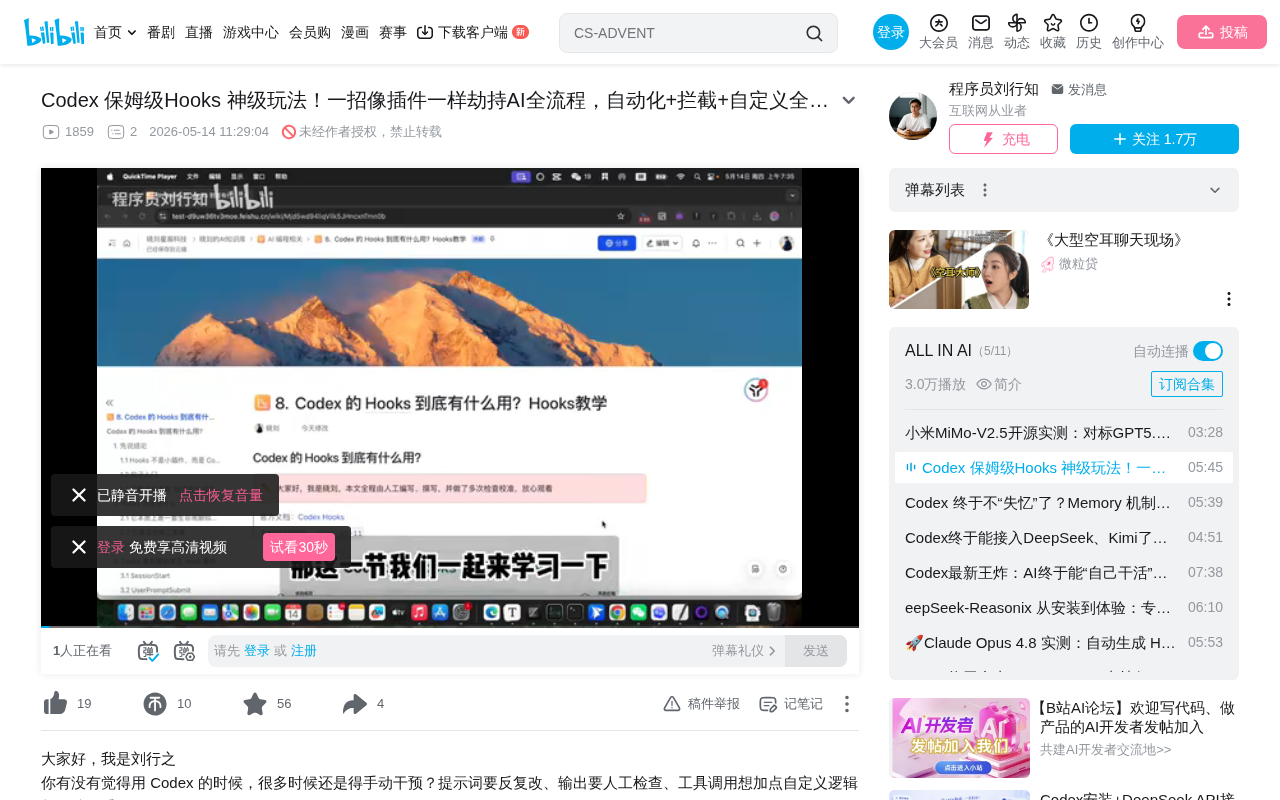
A complete guide to Codex Hooks — six lifecycle hooks for automating and controlling AI workflows.
This article provides a comprehensive breakdown of Codex Hooks, the mechanism for inserting custom logic at critical nodes in OpenAI's CLI AI assistant workflow. It covers all six lifecycle hook types, explains local vs global hook configuration via hooks.json, and demonstrates practical applications including security interception, code review, automatic context summarization, and task completion notifications.
What Are Codex Hooks?
Codex Hooks are essentially a mechanism for inserting custom commands or scripts at any point throughout the entire session lifecycle. Think of them as "hooks" — mounting your own logic code at critical nodes in the AI execution flow to achieve interception, preprocessing, automated notifications, and more.
Lifecycle Hooks are a classic design pattern in software engineering, first widely adopted in frontend frameworks like React's componentDidMount and Vue's mounted. The core idea is to expose interfaces at predefined stages of program execution, allowing developers to inject custom logic without modifying the framework's own code. This pattern follows the Open-Closed Principle — open for extension, closed for modification. In the AI Agent domain, this pattern has been redefined: it's no longer about UI component rendering cycles, but rather the complete interaction cycle of AI reasoning, tool calling, and context management.
In simple terms, if you want to automatically execute a script before a session starts, perform security checks before a tool call, or automatically generate a summary document after a session ends, Hooks can make it happen.
Here's some context on Codex's technical positioning: Codex is OpenAI's CLI (Command Line Interface) AI programming assistant that runs in a terminal environment and can directly read/write files, execute Shell commands, and invoke various development tools. It features a 200K token context window and supports autonomously completing complex programming tasks in a sandbox environment. Unlike IDE plugins such as GitHub Copilot, Codex leans more toward an autonomous Agent mode, capable of independently planning and executing multi-step development tasks — which is precisely why the Hooks mechanism is so important for it. Developers need to maintain control at every stage of the Agent's autonomous execution.
The Six Types of Hooks Codex Provides
Codex currently offers six lifecycle hooks that cover the complete AI session workflow:
Core Hooks Overview
- Session Start (Before Session Begins): Triggered when a session starts; ideal for environment initialization, logging, and other preparatory work
- Triggered on User Prompt: Fires when a user inputs a prompt; useful for input filtering and preprocessing
- Triggered Before Tool Call: Fires before the AI is about to call a tool; suitable for security interception and permission checks
- Triggered on Permission Request: Fires when permission confirmation is needed
- Triggered After Tool Execution: Fires after a tool has finished executing; useful for result validation
- Session Stop (When Session Ends): Fires when a session is about to stop; ideal for summaries, notifications, and other wrap-up work
A special note on "tool calls": In modern AI Agent architecture, tool calling (Function Calling / Tool Use) refers to the LLM's ability to decide to invoke external tools during reasoning to accomplish specific tasks. For example, the AI might call a file system API to read code, invoke Shell to execute test commands, or call a search engine to retrieve documentation. This mechanism is based on the ReAct (Reasoning + Acting) paradigm — the AI first reasons about what information or action is needed, then executes the action through a structured tool-calling interface. Since tool calls may involve irreversible operations like file deletion or network requests, setting up security hooks before calls becomes critically important.
These six hooks span the entire AI interaction lifecycle, allowing developers to insert custom logic at any node based on their needs.
The Difference Between Local and Global Hooks
Hooks come in two scopes, suited for different use cases:
Global Hooks
Global hooks are configured in a specific system-level directory and apply to all projects. They're ideal for configuring universal security policies, logging, and other cross-project requirements.
Local Hooks
Local hooks are configured in the .codex folder within the current project directory and only apply to that project. This approach is more flexible, allowing different automation workflows to be customized for different projects.
This layered design of global and local configuration is very common in development tools, similar to the relationship between Git's global configuration (~/.gitconfig) and project-level configuration (.git/config), or ESLint's global rules and project-level rule overrides. Layered configuration allows teams to set baseline security policies at the organizational level while giving individual projects sufficient customization space.
hooks.json Configuration Explained
The configuration format for Hooks is very clear, primarily defined through a hooks.json file. The configuration structure is as follows:
JSON Configuration Format
Each hook's configuration contains three key fields:
- Type (type): Specifies the Hook type, e.g.,
commandfor executing a command - Script Content: The specific script to execute; supports Shell scripts, Python scripts, etc.
- Trigger Timing: Corresponds to one of the six lifecycle nodes
Once configured, the hooks options are visible in Codex's settings panel, clearly showing which hooks are enabled and which are not.
Practical Demo: Logging Hook
Let's understand the Hooks execution mechanism through a simple example:
Execution Flow
- Configure a
Session Starthook to output a "Test Hooks Activated" log - Configure a pre-tool-call hook to output a tool call notification
- Configure a
Session Stophook to output a stop log
After sending a message, you can clearly see:
- Before the session starts, the Start hook fires and outputs a warning log
- Before the tool call, the second hook fires
- When the session ends, the Stop hook fires
The entire flow verifies that Hooks indeed span the complete lifecycle of an AI session.
Four Practical Use Cases for Hooks
Security Interception
Setting up hooks before tool calls can intercept high-risk commands. For example, when the AI is about to execute dangerous operations like rm -rf, the hook can automatically block it and issue a warning.
AI Agent security is one of the core concerns in the industry today. When AI has the ability to execute Shell commands, potential risks include: accidentally deleting critical files, executing malicious code, leaking sensitive information, and more. Codex itself runs in a Sandbox environment, reducing risk through network isolation and file system restrictions. The Hooks mechanism provides an additional security layer — developers can implement whitelist/blacklist filtering, command parameter validation, sensitive path protection, and other strategies before tool calls, forming a defense-in-depth system.
Code Review
Insert review logic before code generation or modification to ensure AI-produced code meets team standards. For example, you can integrate Linter checks, code style validation, or even call another AI model for code review within the hook, achieving multi-layered quality control.
Automatic Context Summarization
This is an extremely practical scenario — automatically generating a session summary document through the Stop hook after each session ends. This solves the problem of Codex's 200K context window not being sufficient. The AI automatically summarizes the conversation content into a document and saves it, which can be directly referenced in the next session.
Although a 200K token context window is already quite large (approximately 150,000 words of text), in real engineering scenarios, a complex project's codebase, documentation, and conversation history can easily exceed this limit. This is the so-called "context overflow" problem. Common industry solutions include RAG (Retrieval-Augmented Generation), sliding windows, conversation compression, and more. The automatic summarization approach provided by Hooks is an implementation of conversation compression — by automatically generating structured summaries at the end of sessions, lengthy conversation histories are condensed into key information for subsequent sessions to reference, thereby achieving cross-session context continuity.
Task Completion Notifications
Add notification logic to the session-end hook to automatically push notifications when long-running tasks complete, eliminating the need for manual monitoring. Notification methods can be diverse: sending Slack messages, triggering Webhooks, pushing desktop notifications, or even sending emails. This is particularly useful for large refactoring tasks that may take tens of minutes or even hours to complete.
Best Practice: Creating Hooks with Prompts
Generally speaking, Hooks don't need to be written entirely by hand. A more efficient approach is to use prompts to have the AI create hook scripts for you. For example, you can give Codex a direct instruction to create context summarization Hooks — automatically generating a summary document of the entire session after each session ends, achieving automated context management.
This "using AI to configure AI" approach significantly lowers the barrier to using Hooks, allowing even developers unfamiliar with script writing to get started quickly. This also reflects an important trend in AI toolchains: meta-programming capability — AI can not only help you write business code but also help you configure and optimize the AI's own workflow, forming a self-reinforcing positive feedback loop.
Summary
Codex Hooks is a powerful extension mechanism that allows developers to insert custom logic at any node in the AI workflow, much like installing plugins. Whether for security protection, automated workflows, or context management, Hooks provides elegant solutions. Mastering the usage of these six lifecycle hooks can significantly enhance the engineering experience of using Codex.
From a broader perspective, the Hooks mechanism represents an important direction in AI Agent development: the balance between controllability and autonomy. A fully autonomous AI Agent may introduce unpredictable risks, while an overly constrained AI cannot realize its potential. Hooks provide a fine-grained control mechanism that allows developers to retain human oversight and intervention rights at critical nodes while maintaining the AI's autonomous capabilities — this is precisely the core design philosophy for building trustworthy AI systems.
Key Takeaways
Related articles

Claude Code for Test Development in Practice: An AI Programming Workflow That Doubles Your Efficiency
A practical guide to Claude Code for test development: auto-generating test scripts, Plan Mode workflows, MCP + Playwright integration, and Subagent parallel tasks to build systematic AI-assisted workflows.

Hermes Agent Hands-On Review: An AI Efficiency Revolution for Indie Game Developers
Indie game developer reviews Hermes Agent vs OpenClaude: intelligent context compression, real-time Memory, remote control via Telegram, and practical use cases in game dev, social media, and email.

Vibe Coding Beginner's Guide: Tool Selection Across Three Categories with Practical Examples
A comprehensive guide to Vibe Coding's three tool categories: Agent frameworks, CLI Coding, and IDE tools, with practical examples including Snake game and data analysis workbench.