DeepSeek V4 + Claude Code in Practice: Building a C++ Browser from Scratch
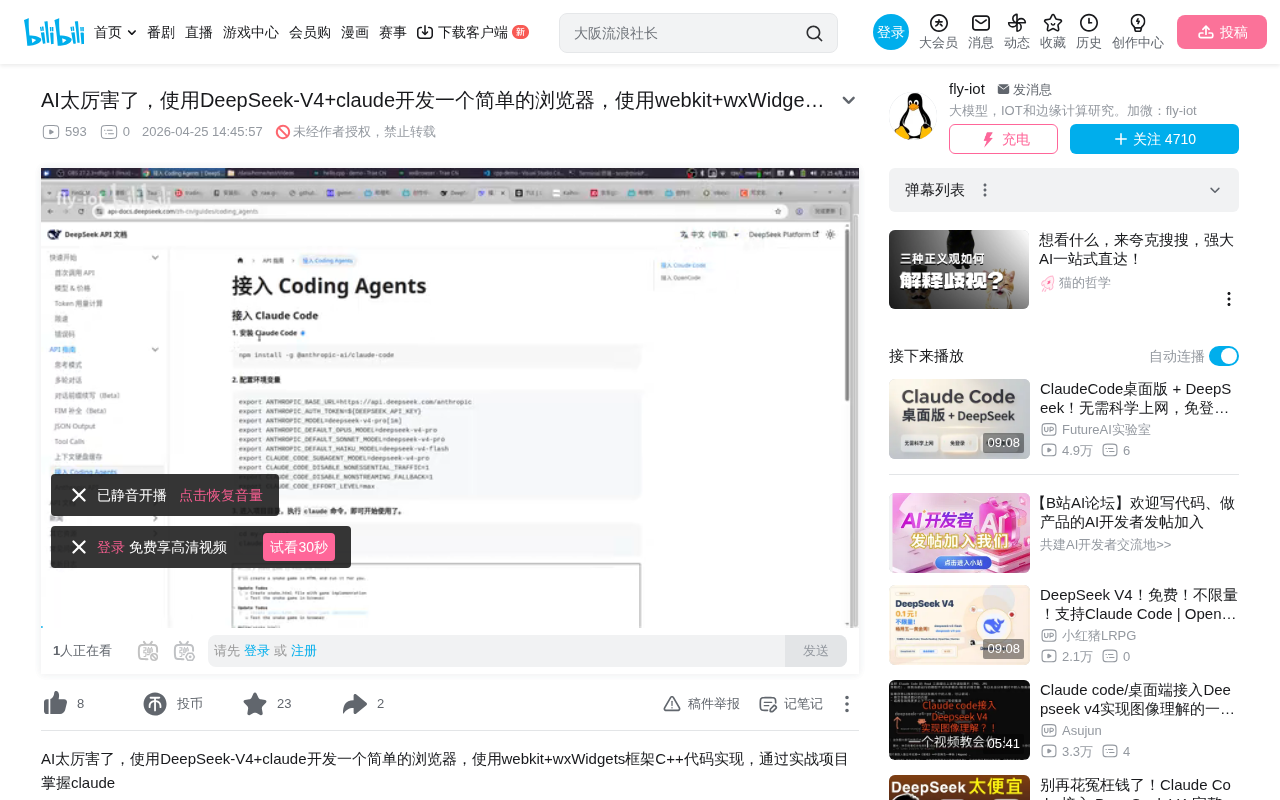
A complete hands-on record of building a C++ browser from scratch using AI programming tools.
This article documents the hands-on process of building a C++ browser from scratch using Claude Code with DeepSeek V4 API, based on wxWidgets and WebKit 2. With only 86 lines of core code, a browser demo with web page loading, navigation, JavaScript support, and developer tools was created. The experience reveals AI programming's efficiency advantages and limitations: AI excels at code generation and problem investigation, but technology selection and requirement definition still need human guidance, with precise requirement descriptions being key to efficient collaboration.
Project Background & Toolchain
This article documents a complete hands-on experience of building a simple C++ browser from scratch using AI programming tools (Claude Code + DeepSeek V4 API). The entire project is based on the WebKit engine and wxWidgets GUI framework, completed on the Linux platform, offering a realistic demonstration of an AI Agent's capabilities and limitations in actual development.
Claude Code is a command-line AI programming agent tool released by Anthropic that can directly read project files, execute commands, and write or modify code in the terminal. Its core design philosophy is to have AI work in Agent mode—not just generating code snippets, but autonomously planning task steps, executing system commands, and iterating based on feedback. Once environment variables are configured, Claude Code can directly call DeepSeek's API. DeepSeek V4 is a large language model released by DeepSeek, whose API is compatible with Anthropic's interface protocol (Messages API format). This means toolchains originally designed for Claude can seamlessly switch to DeepSeek's model service—developers only need to modify the API endpoint and key in environment variables to complete the switch. Additionally, DeepSeek has lifted login restrictions for Normal mode, allowing developers to switch seamlessly.
Technology Selection: wxWidgets + WebKit
Introduction to wxWidgets
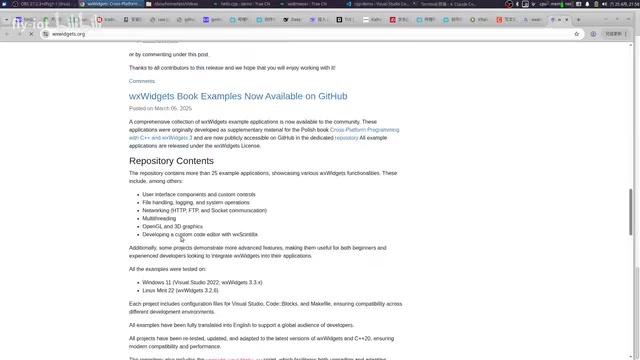
wxWidgets is a long-established cross-platform GUI framework, with the latest stable version being 3.2 and version 3.3 released in March this year. It was originally called wxWindows but was renamed due to a naming dispute with Microsoft. The framework supports development on Windows, Linux, Mac, and other platforms, with most code being reusable across platforms.
wxWidgets employs a native control rendering strategy, calling each platform's native UI components (Win32 API on Windows, GTK+ on Linux, Cocoa on macOS), which stands in stark contrast to Qt's custom-drawing approach. This design makes wxWidgets applications look identical to native apps on each platform, but also introduces challenges in cross-platform behavioral consistency. wxWidgets is written in C++ and uses a permissive LGPL-like license (wxWindows Library Licence) that allows commercial closed-source use—an advantage over GPL-licensed Qt in certain commercial scenarios.
Although wxWidgets isn't particularly well-known in some regions, it has a rich derivative ecosystem. Its Python binding (wxPython) is especially widely used and suitable for quickly building cross-platform GUI applications.
WebKit as the Browser Engine
The project chose WebKit 2 as the browser rendering engine, which comes with built-in developer tools, a JavaScript engine, and other complete features. The most critical improvement of WebKit 2 over WebKit 1 is the introduction of a multi-process architecture: separating web rendering (Web Process) from UI control (UI Process) into different processes. This means that even if a webpage's JavaScript execution crashes, it won't affect the stability of the browser's main interface. WebKit 2 also introduced a Network Process to independently handle network requests. On Linux, WebKit 2 is typically provided as WebKitGTK, which depends on the GTK+ graphics library and the GStreamer multimedia framework.
The final browser executable is only about 200KB (in dynamic linking mode), with core rendering capabilities provided by the system's WebKit library. The file is so small precisely because all the heavyweight rendering engine, JavaScript engine (JavaScriptCore), and multimedia decoding capabilities are provided by system-level shared libraries (.so files).
Hands-on Development Process
Round 1: Basic Framework Setup
The initial task given to Claude Code was straightforward: "Develop a browser using C++, use WebKit 2 as the engine, wxWidgets as the framework, and implement a browser refresh button."
The AI Agent's workflow was as follows:
- Check local environment for wxWidgets and WebKit versions
- Create CMake project structure
- Write core code (only about 86 lines)
- Automatically compile and generate the executable
CMake is currently the most mainstream build system generator in the C++ ecosystem. It doesn't compile code directly but generates platform-specific build files (such as Makefiles on Linux, Visual Studio projects on Windows) based on CMakeLists.txt configuration files. In this project, CMake is responsible for finding the wxWidgets and WebKitGTK libraries installed on the system (via pkg-config or find_package mechanisms) and setting the correct header file paths and linking options.
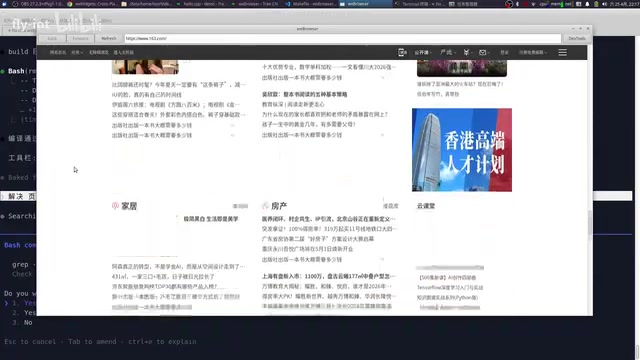
The first run successfully loaded web pages (such as 163.com), the refresh button worked properly, but clicking links within pages failed to navigate.
Round 2: Feature Iteration
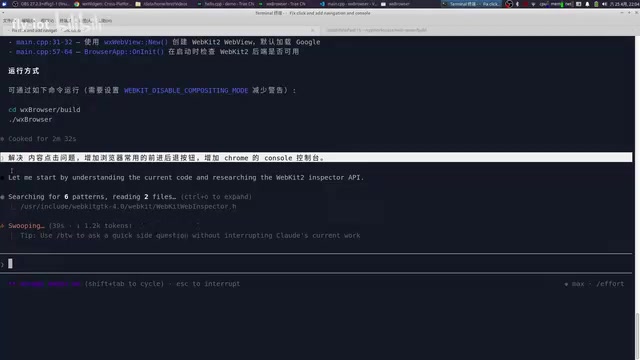
Based on issues from the first version, new tasks were given to the AI:
- Fix the issue of page content clicks not navigating
- Add forward/back buttons
- Add a developer console similar to Chrome's
The AI Agent autonomously investigated the problems, discovered that additional GTK-related dependencies needed to be installed, and made multiple code modifications and recompilations. Throughout the process, the developer only needed to confirm operations in the interactive command line.
Round 3: Bug Fixes & Optimization
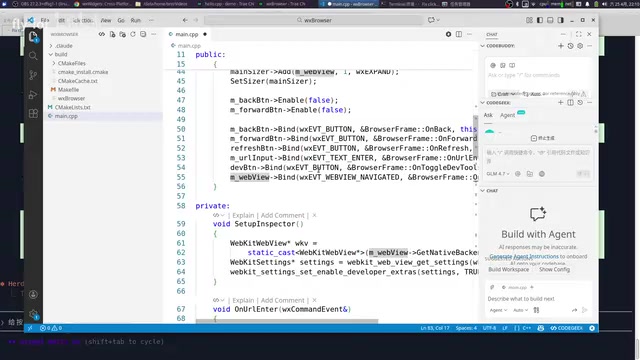
Several typical issues were encountered during iteration:
Button text display issue: The AI initially used emoji as button icons, but they couldn't render properly in wxWidgets. This was resolved by switching to English text labels.
Static linking failure: When attempting to switch from dynamic to static compilation, CMake configuration conflicts arose, requiring cache clearing and reconfiguration. Dynamic linking means the executable loads required shared libraries (.so/.dll) only at runtime. The advantages are extremely small binary files and memory savings from multiple programs sharing the same library files. The disadvantage is that deployment requires ensuring the target system has the correct versions of dependency libraries installed. Static linking packages all dependency code directly into the executable, producing large files that can run independently. For large libraries like WebKit, static linking would not only bloat the file to hundreds of MB but might also fail because the library itself wasn't compiled with static linking support. CMake's caching mechanism exacerbates this issue—CMake caches previous search results, and when switching from dynamic to static linking, old paths in the cache create conflicts, requiring deletion of CMakeCache.txt for reconfiguration.
JavaScript click events: This was the most critical bug—modern websites extensively use JavaScript rather than traditional <a> tags for page navigation. The AI ultimately discovered that the enable_javascript setting wasn't properly enabled. After fixing this, page click functionality was restored. Traditional web pages use HTML <a> tags for page navigation, where the browser only needs to listen for link click events and load new URLs. However, modern Single Page Application (SPA) frameworks like React and Vue extensively use JavaScript's History API (pushState/replaceState) for page routing. Click operations are handled through JavaScript event listeners, and frontend routing libraries decide which components to render—the entire process doesn't trigger traditional page navigation events. This is why handling only <a> tag navigation is far from sufficient—WebKit's JavaScript engine must be working properly for click event handlers on the page to execute and trigger navigation behavior. The enable_javascript setting essentially controls the activation state of the JavaScriptCore engine within WebKit.
Final Results & Reflections
Browser Feature List
The final version of the C++ browser implements the following features:
- URL input and page loading
- Forward/back/refresh navigation
- JavaScript support (in-page link clicking)
- Developer tools (built into WebKit)
- Video playback and audio output
The Capability Boundaries of AI Programming
Several key insights can be summarized from this hands-on experience:
Clear efficiency advantages: AI's efficiency in code generation, problem investigation, and compilation debugging far exceeds manual work. The entire project went from zero to a working demo in very little time.
Direction still requires human guidance: Product definition, technology selection, and architectural decisions still require developer thinking. AI excels at executing specific tasks, but "what to build" and "why to build it" remain human responsibilities.
Description precision directly affects results: When fixing the click issue, the first description wasn't clear enough, causing the AI to take a detour. Only after clearly describing "page HTML clicks not navigating" was the problem correctly identified. This demonstrates that accuracy of requirement descriptions is crucial when collaborating with AI. This also confirms a core principle of Prompt Engineering: clear, specific, contextual instructions significantly improve AI output quality, while vague descriptions cause AI to waste substantial reasoning resources in the wrong direction.
A significant gap remains from demo to product: The current result is merely a demo-level browser. To make it a truly usable product, extensive UI polishing, WebKit packaging, exception handling, and other engineering work would be needed, multiplying project complexity.
Conclusion
This hands-on project clearly demonstrates the current level of AI programming tools: Claude Code paired with DeepSeek V4 can quickly help you build prototypes and solve technical details, transforming developers from "code-writing programmers" into "task-delegating project managers." However, it's important to recognize that there's still a considerable gap between AI-generated code quality and production-grade engineering. True productization still requires deep human involvement and oversight.
Key Takeaways
- Claude Code works directly with DeepSeek V4 API, as DeepSeek has implemented Anthropic Messages API compatibility
- Using wxWidgets + WebKit, only 86 lines of C++ code are needed to build a basic browser framework, thanks to WebKit shared libraries providing core rendering capabilities
- AI Agents can autonomously investigate environment dependencies, compilation errors, and other issues with efficiency far exceeding manual work
- Modern websites rely on JavaScript's History API and event listeners for page navigation, requiring proper
enable_javascriptconfiguration to enable the JavaScriptCore engine - AI programming is suitable for quickly generating demos, but significant engineering work is still needed from demo to product, and precise requirement descriptions are key to efficient collaboration
Related articles
 Tutorials
Cursor + Codex Dual-IDE Collaboration: A Practical Methodology for Open-Source Project Customization
A complete methodology for open-source project customization based on real-world experience, detailing the Cursor+Codex dual-IDE workflow, seven-stage process, MVP validation, and AI source code reading techniques.
 Tutorials
Cursor Multi-Agent in Practice: Building a Full-Stack Next.js Blog in 50 Minutes
Build a full-stack blog in 50 minutes using Cursor IDE's multi-Agent mode with Next.js, Clerk auth, and Supabase. Learn the 4-phase AI Agent workflow and key integration pitfalls.
 Tutorials
Building an AI Software Factory from Scratch: A Cursor Engineer's Hands-On Experience with Multi-Agent Collaboration
Cursor engineer Eric shares practical insights on building an AI software factory: automation levels, guardrail design, parallel Agent management, and scaling to 1000+ Agents for 24/7 development.