Design Mode: Update UI in Real Time by Pointing, Drawing, or Speaking
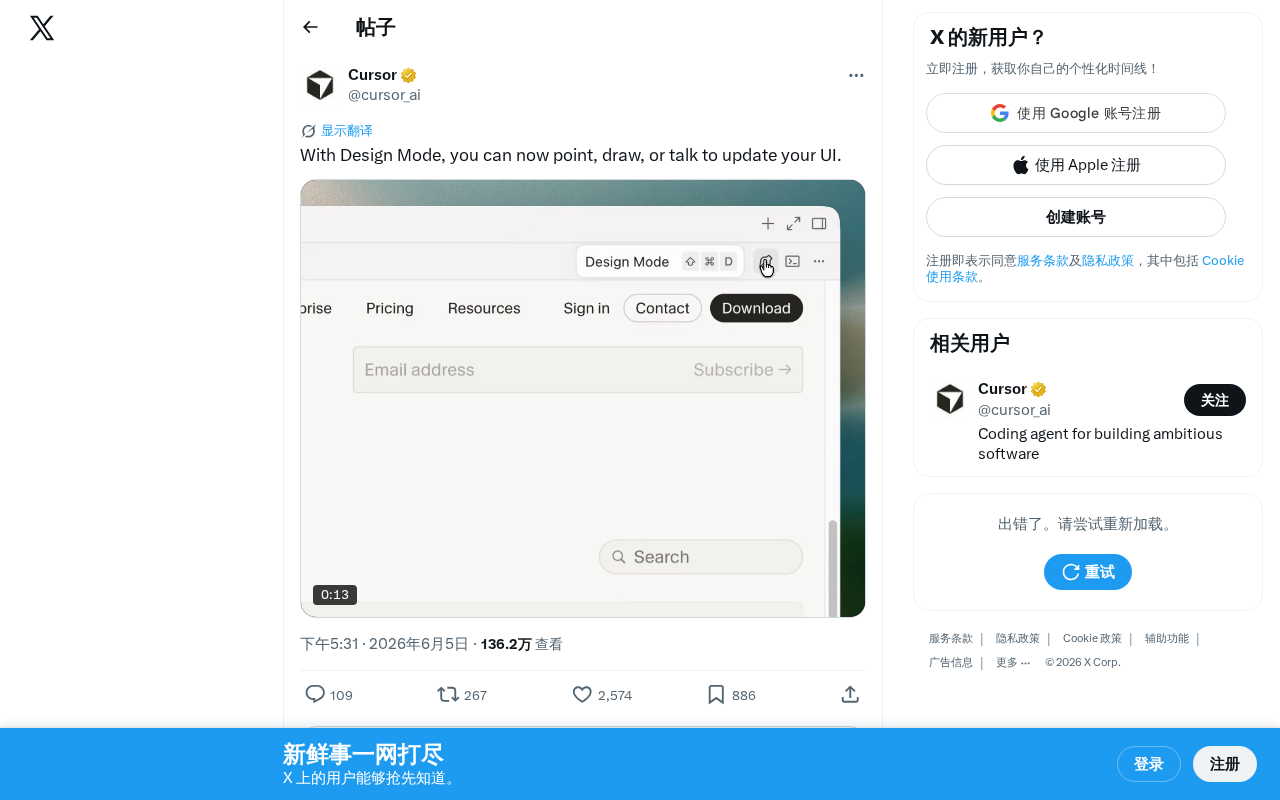
Design Mode lets you update UI in real time by pointing, drawing, or speaking naturally.
Design Mode is an emerging UI design interaction paradigm that enables real-time interface modifications through three natural modes: pointing at elements, drawing sketches, or speaking commands. Built on advances in computer vision, NLP, and gesture recognition, it eliminates the traditional gap between design and development, enabling rapid prototyping and participatory design workflows.
What Is Design Mode?
A completely new approach to UI design interaction is emerging — Design Mode. This feature allows users to make real-time updates and modifications to user interfaces through three natural interaction methods: Point, Draw, or Talk.
This means the traditional UI design and modification workflow is being fundamentally reimagined. Developers and designers no longer need to constantly switch between code editors and design tools. Instead, they can make interface adjustments in the most intuitive way possible — just like gesturing on a whiteboard, sketching on paper, or verbally describing requirements.
The multimodal interaction adopted by Design Mode didn't appear out of thin air. It's built on breakthrough advances across multiple AI subfields in recent years, including computer vision, natural language processing, and gesture recognition. The core idea behind multimodal interaction is enabling computers to simultaneously understand and process input signals from different sensory channels — visual, auditory, tactile, and more — and fuse them into a unified semantic understanding. This technical approach has decades of research history in academia, but its practical viability owes much to the maturation of Large Language Models (LLMs) and Vision-Language Models (VLMs), which give systems sufficient contextual reasoning capability when interpreting user intent.
The Three Interaction Modes of Design Mode Explained
Point Mode: Precise Selection and Quick Fine-Tuning
Users can point directly at an element on the interface, and the system automatically identifies the target component. This approach is especially suited for quickly selecting and fine-tuning existing UI elements — adjusting button positions, modifying text content, or changing color schemes. Compared to traditional mouse-click selection, Point mode is far more intuitive, especially on touchscreen devices or when combined with camera-based gesture recognition, delivering a much smoother interaction experience.
The technical implementation of Point mode relies on semantic parsing of UI elements — the system needs to build a complete Component Tree and map every pixel region on screen to its corresponding logical component. This is similar in principle to the "element inspector" in browser developer tools, but Design Mode elevates it to a higher level of abstraction: it doesn't just identify DOM nodes, it understands the design semantics of components (e.g., "this is a primary action button" rather than merely "this is a div"), providing contextual foundation for subsequent intelligent modifications.
Draw Mode: Sketches Become Designs
Draw mode lets users sketch or annotate directly on the interface. You can draw a rough layout framework and the system will convert it into actual UI components; you can also circle areas on the existing interface that need modification and use simple lines to indicate desired changes. This approach dramatically lowers the barrier to design expression — even non-professional designers can convey their design intent through simple drawings.
The "Sketch-to-UI" technology behind Draw mode has gone through multiple development stages. Early research like Microsoft's Sketch2Code project used Convolutional Neural Networks (CNNs) to recognize hand-drawn wireframes as HTML components. Subsequently, with the rise of generative AI, this field saw a qualitative leap — modern systems can not only recognize geometric shapes in sketches but also understand layout intent, component hierarchy, and interaction logic. tldraw's Make Real feature and GPT-4V's visual understanding capabilities have provided a solid technical foundation for this "draw-to-design" interaction paradigm. Draw mode in Design Mode represents the culmination of all these technological advances.
Talk Mode: Describe the Interface You Want
Talk mode may be the most revolutionary of the three interaction methods. Users can directly describe desired UI changes in natural language — for example, "change this button to blue," "add a search box below the title," or "make this list support horizontal scrolling." The AI understands the semantics and automatically executes the corresponding interface modifications. This approach elevates UI design efficiency to an entirely new level.
The technical challenges of Talk mode extend far beyond speech recognition itself. The core problems the system must solve are Coreference Resolution and Spatial Reasoning — when a user says "this button," which button does "this" refer to? When a user says "below the title," the system needs to understand the spatial layout relationships of the interface. This requires deep coordination between Talk mode and Point mode: a user might first point at an element with their finger, then describe the modification intent with their voice, and the system needs to seamlessly fuse information from both modalities. This kind of cross-modal intent understanding is one of the most cutting-edge application scenarios for current large model technology.
How Design Mode Impacts Development Workflows
Closing the Gap Between Design and Implementation
The core value of Design Mode lies in eliminating the chasm between design intent and technical implementation. In traditional workflows, designers complete mockups in Figma, then developers translate them into code — a process that inevitably introduces information loss and interpretation gaps. Design Mode makes "what you see is what you change" possible, with design and implementation happening in the same step.
This "Design-to-Dev Handoff Gap" has been a long-standing pain point in the software industry. According to an InVision industry survey, communication costs between designers and developers account for an average of 20%-30% of total project time. To address this, the industry has successively introduced Zeplin (a design annotation tool), Figma Dev Mode (a developer view of design files), and design-to-code tools like Anima and Locofy. But these solutions are fundamentally still a linear "design first, translate later" workflow. Design Mode attempts to eliminate this intermediate step entirely — making the act of designing itself an act of code generation, completely breaking down the dichotomy between design and development.
Rapid Prototyping and Product Iteration
For product managers and startup teams, this interaction paradigm means building and adjusting an interactive prototype in just minutes. During user testing or client demos, you can even modify the interface on the spot based on real-time feedback, dramatically shortening product iteration cycles.
This "real-time modification" capability has profound implications for Agile Development methodology. In traditional Sprint cycles, going from requirement confirmation to UI delivery typically takes several days, and Design Mode has the potential to compress this process to the minute level. More importantly, it enables non-technical stakeholders (such as product managers, business teams, and even end users) to directly participate in shaping the interface, truly realizing the concept of Participatory Design.
Industry Trends and Future Outlook
The emergence of Design Mode is a microcosm of the evolution of AI-driven development tools. From GitHub Copilot's code completion, to Cursor's AI programming assistant, to today's multimodal UI editing, AI is gradually permeating every aspect of software development.
Looking back at this evolutionary path, a clear trajectory emerges: from text completion to semantic understanding, from single modality to multimodal fusion. GitHub Copilot (released in 2021), based on the OpenAI Codex model, pioneered AI code completion; Cursor built on this by introducing conversational programming and codebase-level contextual understanding; tools like Vercel's v0 and Bolt.new further extended AI capabilities into frontend UI generation. Design Mode represents the latest stage of this evolutionary path — AI not only understands code but also visual design and user intent, achieving a leap from "AI-assisted coding" to "AI-assisted creation."
Notably, the multimodal interaction design philosophy (vision + gesture + voice) is highly aligned with the interaction philosophy of spatial computing devices like Apple Vision Pro. The spatial computing platform represented by Apple Vision Pro has a core interaction paradigm built on the trinity of eye tracking (gaze as pointing), gesture recognition (pinch as click), and voice input — which forms a striking parallel with Design Mode's Point, Draw, and Talk modes. The underlying technology stack for spatial computing includes SLAM (Simultaneous Localization and Mapping), real-time hand skeleton tracking, and low-latency speech recognition. When the interaction paradigm of development tools converges with the interaction philosophy of next-generation computing platforms, it suggests that developers may one day "sculpt" user interfaces directly in XR environments — we may see more development tools embrace this natural interaction paradigm, making programming and design as simple as everyday conversation.
Of course, these tools are still in their early stages, with significant room for optimization in handling complex business logic, ensuring design specification consistency, and integrating with team collaboration workflows. Specifically, the current technical bottlenecks are concentrated in three areas: first, design system constraint adherence — how to ensure AI-generated modifications comply with established Design Tokens, component specifications, and brand guidelines; second, version control and collaboration — how to handle conflicts and change tracking when multiple people use Design Mode simultaneously; third, expressing complex interaction logic — simple style changes can be easily accomplished through pointing and voice, but when it comes to conditional rendering, state management, animation orchestration, and other complex logic, the expressive power of natural interaction remains limited. How these challenges are resolved will determine whether Design Mode can evolve from an "impressive demo" into a "reliable everyday production tool."
But there is no doubt that the direction Design Mode represents — returning human-computer interaction to its most natural form — is an irreversible trend.
Key Takeaways
Related articles
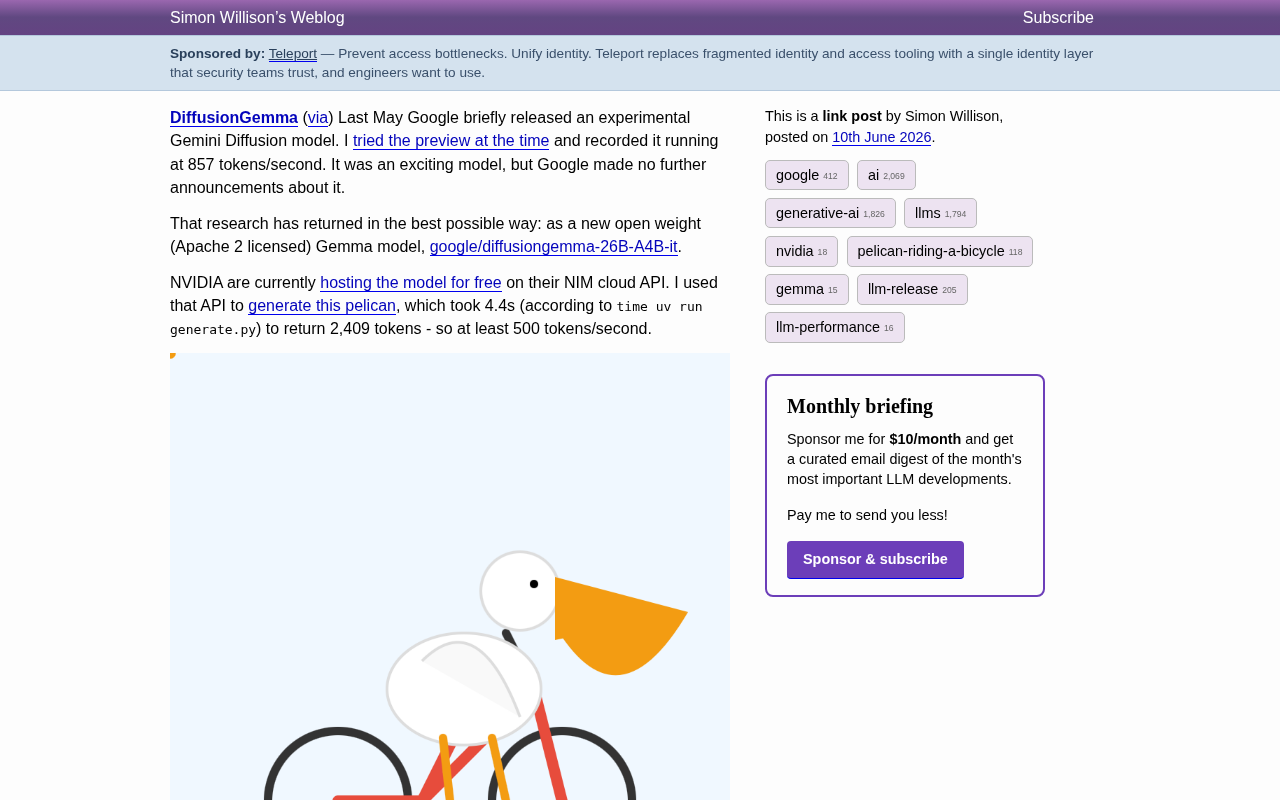
DiffusionGemma: Google's Open-Source Diffusion Language Model Exceeding 500 Tokens/s
Google releases DiffusionGemma, an open-source diffusion language model with Apache 2.0 license. The 26B-parameter MoE model achieves over 500 tokens/s in real-world tests.
Reviving a 28-Year-Old Quake 2 Custom …
Reviving a 28-Year-Old Quake 2 Custom Map with AI: New Possibilities in Digital Archaeology
A developer used AI tools to revive a 28-year-old Quake 2 custom map as a browser game, showcasing AI's new role in digital heritage restoration and game preservation.
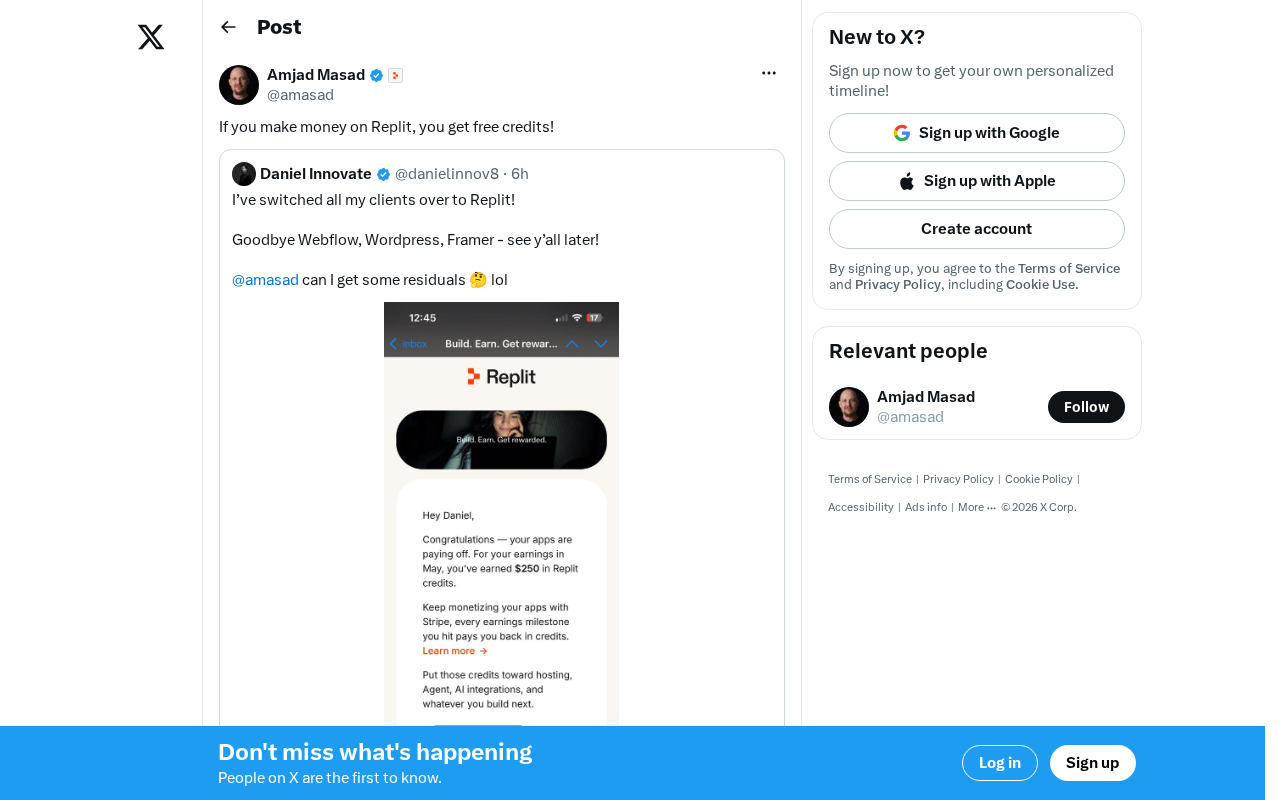
Replit's Revenue Incentive Policy Explained: Earn Money on the Platform, Get Free Credits
Replit's new revenue incentive policy gives developers free credits when they earn money on the platform. A deep dive into its impact on indie developers and the AI platform landscape.