GDScript Beginner's Guide: Learning Godot Game Development with AI Assistance
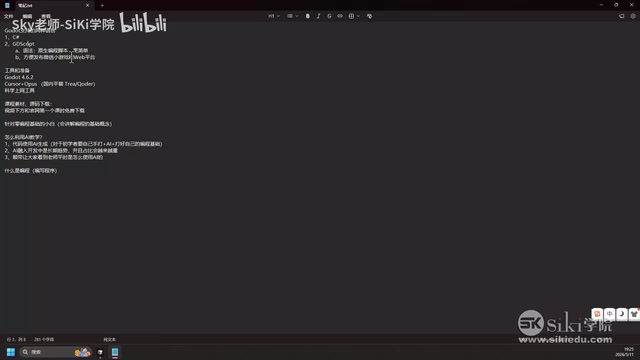
A beginner's guide to learning GDScript for Godot game development with AI-assisted workflows.
GDScript, Godot's native scripting language, offers simpler syntax and broader platform support than C#. This guide covers GDScript's core advantages, development environment setup with Cursor AI, cost-saving tips, and the right human-AI collaboration model for game development. The key takeaway: learn programming fundamentals first, then leverage AI to accelerate your workflow.
Why Learn GDScript
The Godot engine supports two programming languages: C# and GDScript. As Godot's native scripting language, GDScript offers unique advantages in real-world development — especially for indie game developers, it may be the better choice.
Two Core Advantages of GDScript
Simpler syntax, faster to learn. GDScript is Godot's native language, deeply coupled with the engine in both syntax design and functionality. More precisely, GDScript is a Domain-Specific Language (DSL) designed specifically for Godot. Its syntax is heavily influenced by Python, featuring indentation-based code structure and a dynamic type system. Unlike general-purpose languages like C#, every language feature in GDScript is designed around Godot's node-scene architecture — for example, the Signal mechanism can be connected directly using syntactic sugar, export variables (@export) can be exposed to the editor panel with a single line of code, and the @onready keyword automatically fetches references when a node is ready. This deep coupling means developers don't need to write extensive boilerplate code — implementing the same functionality in GDScript typically requires 30%-50% less code than C#. For indie game developers, this translates to faster development speed and a lower learning curve.
More comprehensive platform support. GDScript supports publishing to WeChat Mini Programs and Web platforms, while C# has compatibility limitations on certain export targets. Specifically, C# in Godot depends on the .NET Runtime. Although Web platform support has improved through WebAssembly technology, .NET's WASM compilation produces large binaries with noticeable performance overhead. The WeChat Mini Game platform, built on its own JavaScript runtime environment, simply doesn't support embedding the .NET runtime at all. GDScript doesn't have these issues — it's interpreted directly by the Godot engine, which has already handled platform adaptation. Developers don't need to worry about underlying runtime compatibility differences. If your goal is multi-platform publishing, especially within China's mini-program ecosystem, GDScript is practically the only option.
GDScript Development Environment and Tool Setup
Basic Environment Configuration
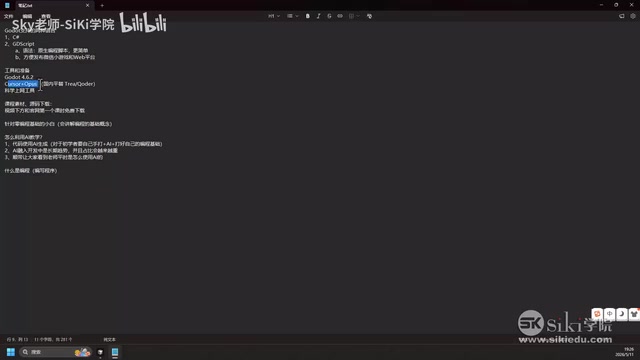
To learn GDScript, you'll need the following tools:
- Godot Engine 4.6.2: GDScript can only run within the Godot environment — this is essential
- AI coding tool Cursor: The core assistive tool for this course
- Model selection: Claude Opus 4.7 is recommended (VPN required in some regions)
Cursor is an AI-native code editor built on a deep modification of VS Code, developed by Anysphere. Its key difference from regular AI coding plugins (like GitHub Copilot) is that Cursor provides the entire project codebase as context to the large language model, enabling AI to understand the overall project structure rather than just the current file. Its built-in Agent mode can automatically read files, execute terminal commands, and even refactor code across files — particularly useful for Godot projects involving collaborative development across multiple scenes and scripts.
For those who can't access Cursor, there are domestic alternatives available, but based on practical experience, Cursor paired with top-tier models still delivers the best results.
Money-Saving Tips for Cursor
Cursor Pro costs about $20/month (~140 RMB). Here are some practical tips:
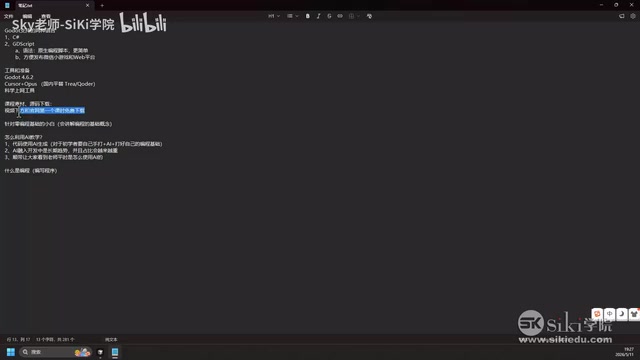
- Unlimited Auto model: The built-in Auto model in the Pro version can be used without limits — more than enough for daily learning. The Auto model automatically selects the appropriate underlying model (such as GPT-4o-mini, Claude Sonnet, etc.) based on task complexity, balancing cost and effectiveness
- Use premium models sparingly: Top-tier models like Opus share the $20 quota and can be exhausted in just 1-2 days of continuous use. These flagship models are best reserved for complex architectural design and difficult bug troubleshooting
- Share accounts: Cursor supports multiple simultaneous logins on the same account, so you can split the cost with classmates or friends
This is a highly cost-effective approach — a few people share one account, use the Auto model for daily learning, and switch to premium models only when tackling complex problems.
Why You Still Need to Learn GDScript Programming in the AI Era
This is a common question among beginners: if AI can write code, do I still need to learn programming?
The answer is: Absolutely yes, and you need to truly understand it.
Current Limitations of AI in Game Development
In the game development field, fully relying on AI to write code still presents significant challenges. Game development is fundamentally different from web development or data processing — game code is highly dependent on complex systems like real-time interaction logic, physics simulation, state machine management, and frame synchronization. AI-generated code snippets often work fine in isolated scenarios but run into timing issues (such as accessing nodes during the wrong lifecycle phase), performance issues (such as unnecessary repeated calculations in the _process function), or architectural issues (such as excessive coupling that makes future feature expansion difficult) when placed in a complete game project.
Moreover, bugs in games often manifest as visual anomalies or "feel" issues — problems that are very difficult to convey to AI through text descriptions. Developers need their own code reading and debugging skills to locate and fix these issues. AI can generate code snippets, but it cannot replace your understanding of the overall project architecture, your ability to diagnose bugs, or your judgment on code quality.
The Right Human-AI Collaboration Model
The ideal development workflow should be:
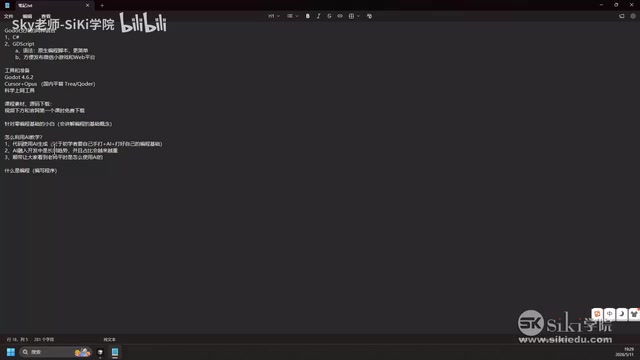
- You understand the GDScript programming language and syntax
- AI helps you accelerate code generation
- You can read and understand every line of AI-generated code
- You can effectively manage and debug the entire project
It's like needing to understand architectural design before you can direct a construction crew — AI is your highly efficient construction team, but you must be able to read the blueprints yourself.
AI-Assisted Teaching Methodology in This Course
This course adopts an "AI-assisted teaching" approach, reflected in three key aspects:
Combining Code Generation with Hands-On Practice
Most code in the course will be demonstrated using AI generation, but beginners are strongly encouraged to type it out manually. The value of hand-typing code goes beyond just "memorizing syntax" — it involves procedural memory from cognitive science. When you repeatedly hand-write for loops, signal connections, and variable declarations, your brain shifts these operations from "System 2" processing (requiring active thought) to automated "System 1" processing. This means that when you later read AI-generated code, basic syntax no longer consumes cognitive resources, allowing you to focus all your attention on judging logical correctness and architectural soundness.
Hand-typing code helps you:
- Become familiar with GDScript syntax details
- Build muscle memory, turning basic syntax into an automated skill
- Establish a solid programming foundation — the prerequisite for using AI tools effectively
Research shows that the syntax intuition built during a beginner's first 200 hours of hand-written code practice is the critical foundation for efficiently using AI programming tools later on.
Demonstrating Real-World AI Usage Scenarios
Integrating AI into development is a long-term trend, with AI adoption growing across all industries (including traditional development fields like Java). Through this course, students can directly observe how the instructor collaborates with AI on a daily basis to complete Godot game development.
Providing a Replicable AI Collaboration Workflow
The course teaches not only GDScript syntax but also how to ask AI effective questions, how to verify AI output, and how to manage a complete game project with AI assistance.
Summary
As Godot's native language, GDScript offers clear advantages in both syntax simplicity and platform compatibility. Combined with AI coding tools like Cursor, even complete beginners can quickly get started with game development. But the core principle remains unchanged: learn programming first, then use AI to accelerate. This isn't an either-or choice — it's a 1+1>2 collaborative relationship.
Key Takeaways
Related articles
Introduction to AI Literacy: How Teachers Can Build a Systematic Cognitive Framework
A teacher's guide to AI literacy: from AI history and LLM fundamentals to the Agent era, build a systematic cognitive framework and master tool selection strategies.
The 4-Stage Roadmap for AI Application Development: A Career Transition Guide from Beginner to Senior Engineer
A 4-stage roadmap for AI application development: from Python and RAG basics to Agent cluster architecture, covering the core skills needed for career growth.
Godot + Cursor: Building a Survivors-like Game from Scratch to Steam — A Complete Record
How to use Cursor AI with Godot engine to build a Survivors-like game from scratch and publish on Steam. Covers Godot selection, Git setup, Cursor toolchain, and AI code generation workflow.