GitHub Copilot CLI Custom Agents: Building Reusable Team Development Workflows
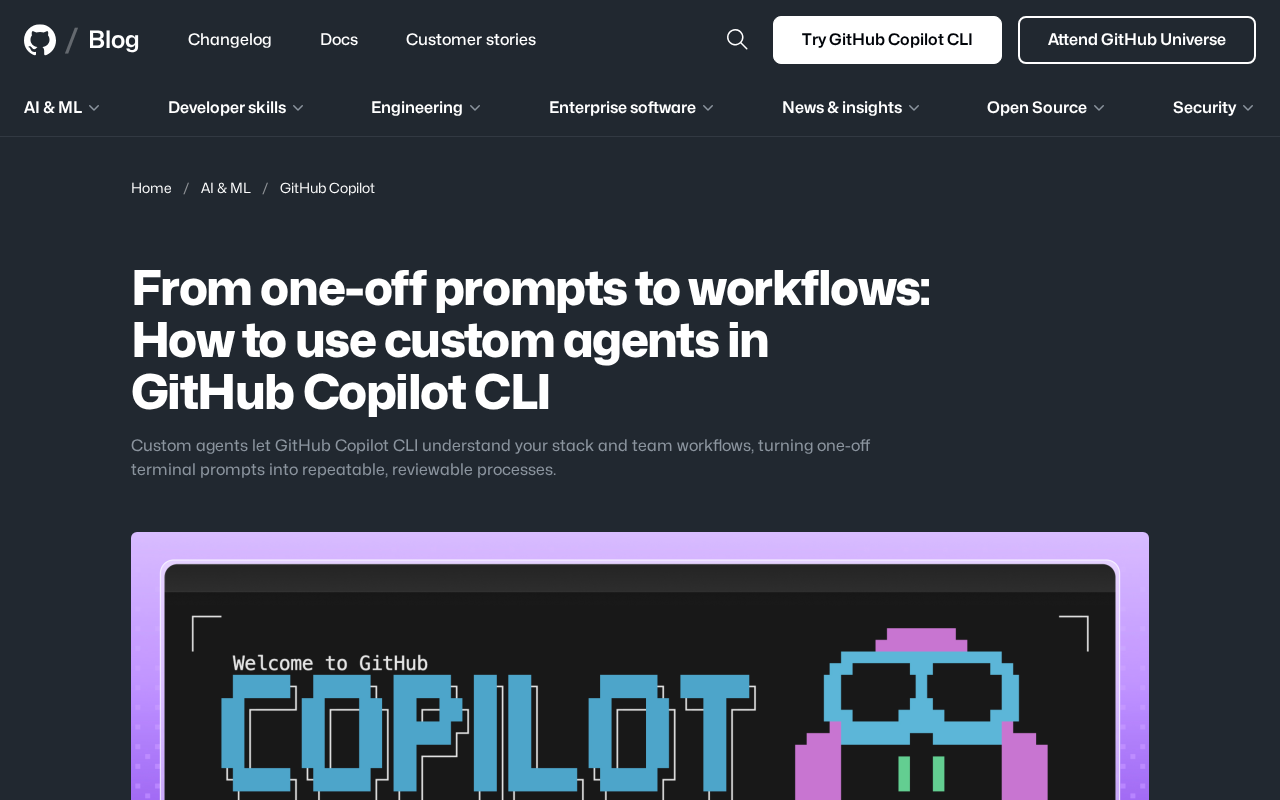
GitHub Copilot CLI custom Agents turn one-off prompts into reusable, auditable team workflows.
GitHub Copilot CLI now supports custom Agents that transform scattered terminal interactions into repeatable, version-controlled team workflows. These Agents understand your tech stack, encapsulate team processes, and make implicit knowledge explicit — covering use cases from environment standardization and CI/CD assistance to cross-team collaboration, marking a shift toward process-level AI integration in development.
Overview
GitHub's official blog recently published an in-depth guide on custom Agents for GitHub Copilot CLI. This feature marks a significant shift in AI-assisted development — moving from "one-off terminal prompts" to "repeatable, auditable team workflows." Custom Agents can understand your tech stack and team workflows, transforming scattered command-line interactions into systematic development processes.
What Are GitHub Copilot CLI Custom Agents
From One-Off Prompts to Structured Workflows
The traditional way of using Copilot CLI involves typing one-off natural language prompts in the terminal to have AI generate commands or explain output. While convenient, this approach has clear limitations: each interaction is isolated, lacks contextual continuity, and can't be shared or reused across a team.
Custom Agents change this dynamic. Developers can define dedicated Agents with the following capabilities:
- Understanding specific tech stacks: Deep customization tailored to the frameworks, toolchains, and deployment environments used in a project
- Encapsulating team workflows: Encoding agreed-upon operational processes into executable Agent instructions
- Supporting review and iteration: Workflow definitions can be placed under version control and subjected to code review
Core Value: Repeatability and Consistency
The greatest value of custom Agents lies in making implicit knowledge explicit. Those complex processes that "only one person on the team knows how to do" can now be encoded as Agent configurations, allowing any team member to trigger a complete workflow with a simple prompt.
This pattern is particularly well-suited for scenarios such as:
- Complex project initialization and development environment setup
- Standardized code review and quality check processes
- Multi-step deployment and release operations
- Team-specific debugging and troubleshooting workflows
Practical Use Cases
Development Environment Standardization
When new members join a team, they often spend significant time configuring their development environment. With Copilot CLI custom Agents, every step of environment setup — from dependency installation and config file generation to service startup — can be encapsulated into a unified workflow. New members simply interact with the Agent to complete the entire configuration, dramatically reducing onboarding time.
CI/CD Process Assistance
For complex continuous integration and deployment pipelines, custom Agents can serve as intelligent assistants. They can automatically suggest appropriate testing strategies, build parameters, and deployment targets based on current code changes. This not only improves efficiency but also reduces the risk of human error.
Cross-Team Collaboration
When multiple teams share infrastructure or microservices, each team can publish its own Agent configuration, enabling other teams to interact with their services in a standardized way — without needing to understand the underlying implementation details. This approach effectively reduces cross-team communication overhead.
Impact on Developer Workflows
From Tool Users to Workflow Designers
The introduction of custom Agents signals a subtle shift in the developer's role. Beyond writing code, developers now need to think about how to design efficient AI-assisted workflows. This "workflow as code" philosophy is a natural extension of the Infrastructure as Code (IaC) mindset.
A New Paradigm for Knowledge Management
Team best practices and operational standards no longer exist solely in documentation — they're encoded as executable Agent configurations. This approach is more actionable than traditional documentation and easier to keep up to date. Outdated Agent configurations will directly cause workflow failures, which naturally forces teams to maintain them promptly.
Looking Ahead
The launch of GitHub Copilot CLI custom Agents is a significant step in AI-assisted development's evolution from "point-level assistance" to "process-level integration." It reveals a key trend in the future of development tools: AI is no longer just an assistant that answers questions, but a collaborator deeply embedded in the development process.
It's worth noting that this feature also places new demands on teams — how to design effective Agents, how to manage Agent versioning and permissions, and how to balance automation with human review are all questions that require ongoing exploration in practice.
For teams already using GitHub Copilot, custom Agents are a feature worth adopting early. They not only boost individual productivity but, more importantly, amplify AI's capabilities across the entire team — enabling truly "AI-driven team collaboration."
Related articles

AI Large Model Learning Roadmap Breakdown: Three Stages from Application Development to Model Fine-Tuning
Deep breakdown of a popular AI large model learning roadmap covering LangChain, RAG, Agent, and LoRA fine-tuning across three stages, with analysis of its strengths and limitations for career changers.

AI Agent Development: A Complete 6-Week Systematic Learning Roadmap
A 6-week systematic learning roadmap for AI Agent development, covering core architecture, ReAct principles, multi-agent collaboration, RAG integration, and deployment.
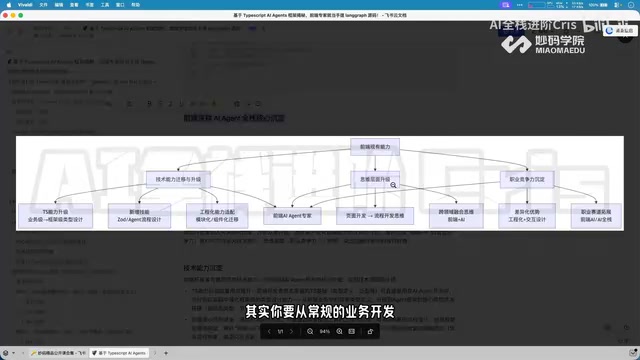
Four Core Advantages Frontend Developers Have When Transitioning to AI Agent Development
Frontend developers have key advantages for AI Agent development: TypeScript ecosystem fit, low-barrier full-stack bridging, and state management isomorphism. Learn the transition path here.