OpenAI Codex Appshots Feature Explained: Double-Tap Command to Capture Full Context
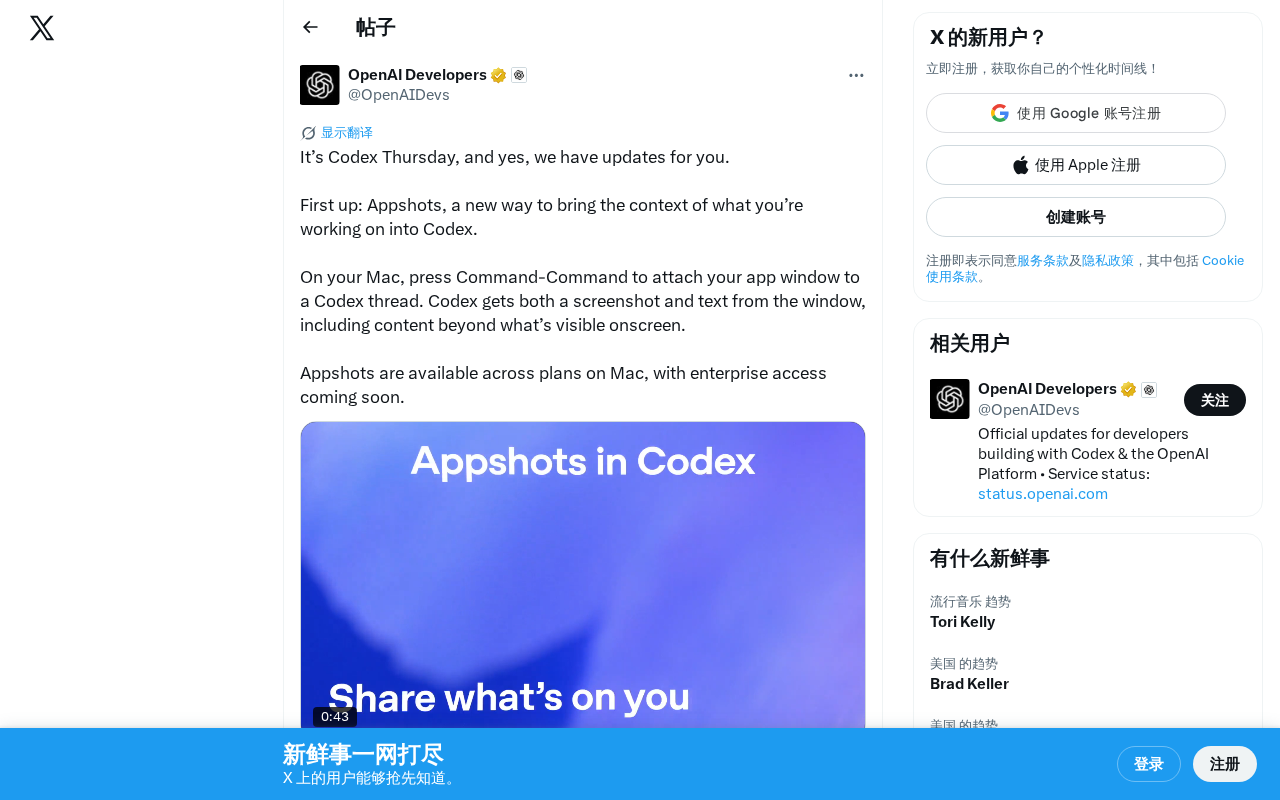
OpenAI Codex's Appshots lets developers capture full app context with a double-tap of the Command key.
OpenAI Codex introduces Appshots, a new feature that lets Mac developers double-tap the Command key to capture any application window's screenshot and full text content — including off-screen scrollable areas. By combining visual and textual context, Appshots solves the painful context transfer problem in AI-assisted coding, enabling Codex to understand complete developer workflows across any application.
OpenAI's Codex has received yet another "Codex Thursday" update, this time introducing a new feature called Appshots — a brand-new way for developers to bring the full context of their current work directly into a Codex conversation.
OpenAI Codex is a cloud-based AI coding agent launched by OpenAI in 2025. It runs within the ChatGPT interface and can autonomously execute tasks like code writing, debugging, and testing in a sandboxed environment. Unlike the earlier Codex code completion model of the same name, the new Codex is a full-fledged software engineering agent capable of handling multiple tasks in parallel and directly operating on GitHub repositories. "Codex Thursday" is OpenAI's established iteration cadence for the Codex product — releasing feature updates every Thursday. This high-frequency iteration strategy is very common in today's fiercely competitive AI product landscape, enabling rapid response to user feedback while continuously generating product buzz.
What Is Appshots?
Appshots is Codex's newly launched context capture feature. On Mac, users simply press Command-Command (double-tap the Command key) to attach the current application window to a Codex conversation thread.
The highlight of this feature is that Codex doesn't just grab a screenshot — it simultaneously captures the text content within the window, including parts that are not visible on screen (such as code or documentation that requires scrolling to see). This means Codex can obtain more complete contextual information than what the human eye can see.
To understand the value of this feature, you first need to understand the context transfer problem in AI-assisted programming. In LLM-driven programming tools, "context" is the core factor determining output quality. LLMs have a limited context window — the maximum number of tokens the model can process in a single pass. Even though the latest models support context windows of hundreds of thousands or even millions of tokens, the real bottleneck often isn't model capacity but rather how to efficiently pass the right contextual information to the model. The information developers face in actual work is highly fragmented — code is spread across dozens of files, error messages are in the terminal, UI effects are in the browser, and requirement documents are in yet another application. The traditional approach requires developers to manually collect and organize this information before feeding it to the AI, a process that is not only time-consuming but also prone to missing critical details.
Why Appshots Deserves Attention
Solving the Context Transfer Pain Point for AI Coding Assistants
One of the biggest friction points when using AI coding tools is context transfer. Developers often need to manually copy-paste code snippets, screenshot error messages, describe UI states, and only then can the AI understand the current work scenario. This process is tedious and easily loses key information.
Appshots simplifies this entire process to a single keyboard shortcut. Double-tap the Command key, and Codex can simultaneously understand:
- Visual layer: A screenshot of the current window, including UI layout, error popups, design mockups, etc.
- Text layer: All text content in the window, including code outside the scrollable area
This dual capture mechanism of "screenshot + full text" is far more powerful than either a screenshot alone or text copying alone. From a technical perspective, screenshots provide visual information — UI layout, colors, icon positions, error popup styles, etc. — which are crucial for frontend development and UI debugging but cannot be expressed through plain text. Full text capture, on the other hand, provides precise, searchable, structured information including variable names, function signatures, error stacks, and more — the foundation of code comprehension. These two information channels complement each other, together forming a complete description of the developer's current work state.
More critically, Appshots can capture content in scrollable areas not visible on screen, relying on OS-level Accessibility APIs. macOS provides rich Accessibility interfaces that allow applications, once authorized by the user, to read the text element tree of other windows rather than just the rendered pixels. This is one of the technical reasons why this feature launched on Mac first.
Cross-Application Universal Capture Capability
Interestingly, Appshots captures any application window, not just code editors. This means you can send browser documentation, design tool prototypes, terminal log output, or even database management tool query results to Codex with a single keystroke.
This design philosophy reflects OpenAI's thinking about Codex's positioning: it's not just a code completion tool, but an AI assistant capable of understanding a developer's complete workflow.
This cross-application context awareness reflects the industry trend of AI coding assistants evolving from "code completion tools" to "full-stack development partners." Early AI coding tools like GitHub Copilot primarily focused on in-editor code completion, with their scope limited to the IDE. The new generation of AI coding agents (such as Codex, Cursor, Devin, etc.) are breaking through editor boundaries, attempting to understand the developer's complete work context. This trend aligns with the concept of "ambient computing" — AI is no longer a tool that requires deliberate switching and interaction, but an intelligent layer that constantly perceives the user's work state. From a product competition perspective, whoever can more naturally and comprehensively capture a developer's work context can provide more precise AI assistance — this is becoming a core differentiation direction for AI coding tools.
Appshots Availability and Platform Support
Appshots is currently live on the Mac platform and available to users on all subscription plans. Enterprise access is coming soon.
There's no mention yet of support plans for Windows or Linux, but given Mac's high market share among developers, this choice of launch platform is reasonable. According to developer surveys from Stack Overflow, JetBrains, and other organizations, macOS market share among professional developers continues to grow, especially in web development, mobile development, and AI/ML fields, where Mac user percentages are significantly higher than the overall consumer market share. Additionally, macOS's system architecture provides technical convenience for such features — its Accessibility API allows applications to read UI elements and text content from other application windows once authorized by the user. While Windows' UI Automation and Linux's AT-SPI offer similar capabilities, they differ in consistency and coverage, making cross-platform adaptation more costly.
Impact on Developer Workflows
From a broader perspective, Appshots represents a trend in AI coding tool development: from passively waiting for input to actively perceiving the environment. Traditional AI assistants require developers to carefully craft prompts, while Appshots lets AI directly "see" what the developer is doing.
This shift in interaction paradigm could significantly lower the barrier for developers to use AI tools. There's no need to think about how to describe a problem — just "snap" the current state for the AI and let it figure things out. This also means the burden of prompt engineering shifts from the user side to the product side — OpenAI needs to ensure Codex can accurately infer user intent and needs from a screenshot and a piece of text, which places higher demands on the model's multimodal understanding capabilities.
As Codex continues to iterate at a weekly update cadence, features like these that enhance developer experience are continuously accumulating, gradually building a more seamless AI-assisted development environment.
Key Takeaways
Related articles

Claude Code for Test Development in Practice: An AI Programming Workflow That Doubles Your Efficiency
A practical guide to Claude Code for test development: auto-generating test scripts, Plan Mode workflows, MCP + Playwright integration, and Subagent parallel tasks to build systematic AI-assisted workflows.

Hermes Agent Hands-On Review: An AI Efficiency Revolution for Indie Game Developers
Indie game developer reviews Hermes Agent vs OpenClaude: intelligent context compression, real-time Memory, remote control via Telegram, and practical use cases in game dev, social media, and email.

Vibe Coding Beginner's Guide: Tool Selection Across Three Categories with Practical Examples
A comprehensive guide to Vibe Coding's three tool categories: Agent frameworks, CLI Coding, and IDE tools, with practical examples including Snake game and data analysis workbench.