OpenAI Codex Comes to ChatGPT Mobile: Remote Programming Anytime, Anywhere
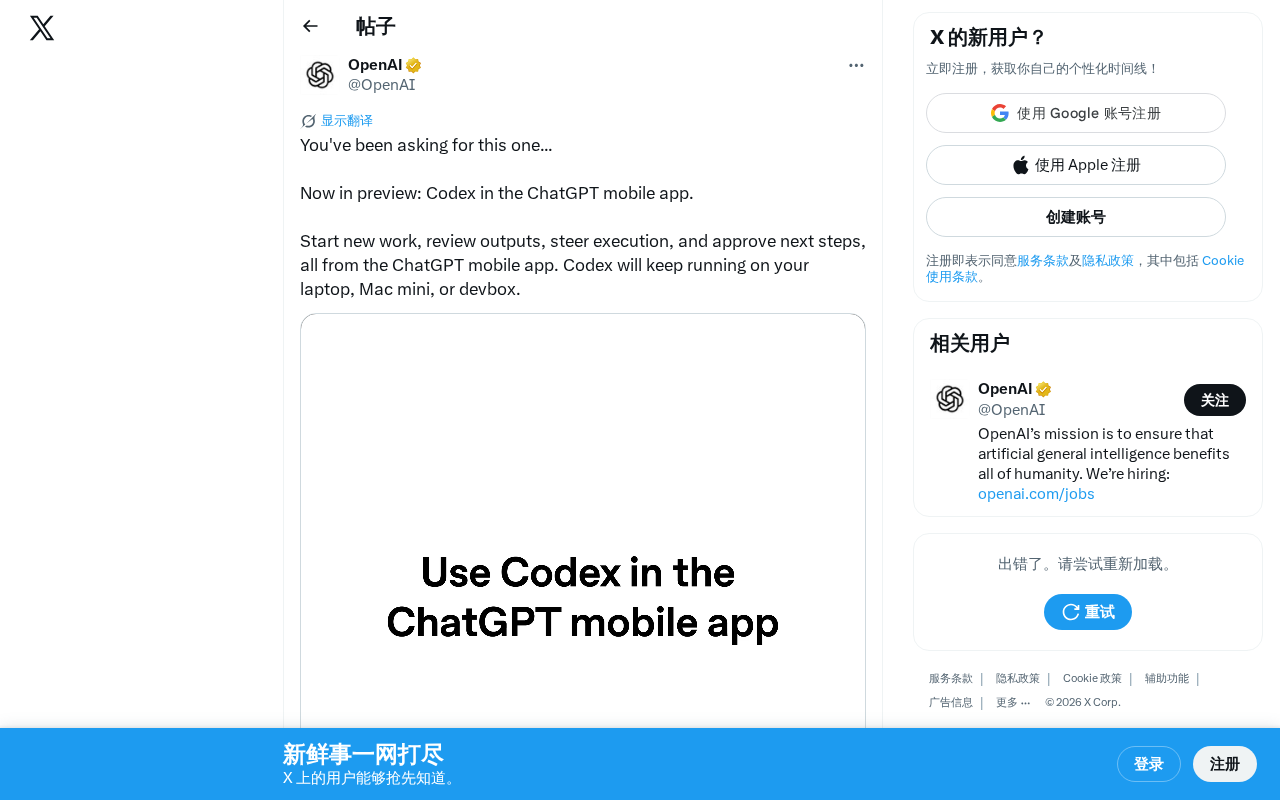
OpenAI Codex arrives on ChatGPT mobile, letting developers manage AI coding tasks remotely from their phones.
OpenAI has launched a preview of Codex on the ChatGPT mobile app, enabling developers to initiate programming tasks, review code output, and approve critical operations from their phones. The architecture separates mobile control from desktop execution, supporting asynchronous workflows and human-in-the-loop approval mechanisms. This marks a shift from AI as a code completion assistant to an autonomous programming agent, redefining how developers interact with AI tools.
Codex Mobile Preview Officially Launches
OpenAI recently announced that the highly anticipated Codex feature is now available as a preview on the ChatGPT mobile app. This means developers are no longer tethered to their desks — they can now launch programming tasks, review code output, guide execution direction, and approve next steps from their phones anytime, anywhere.
OpenAI Codex was originally released in 2021 as a derivative of GPT-3, specifically fine-tuned for code generation tasks, and served as the core engine behind GitHub Copilot. With the evolution of GPT-4 and subsequent models, Codex's capabilities have progressed from simple code completion to an autonomous agent system capable of understanding complex programming intent, operating across files, and executing multi-step development tasks. In 2025, OpenAI deeply integrated Codex into the ChatGPT ecosystem, transforming it from a standalone API into an integrated programming assistant for all developers. The mobile launch represents the latest milestone in this integration strategy.
Collaborative Workflow Between Mobile and Desktop
The core design philosophy behind this update is a separation architecture where mobile controls and desktop executes. According to official information, Codex continues to run on the user's laptop, Mac mini, or development server (devbox), while the mobile app serves as a remote control panel.
This separation of control plane and data plane is very common in distributed systems, similar to the relationship between control nodes and worker nodes in Kubernetes. The mobile app acts as a lightweight control panel, responsible only for sending commands, receiving status updates, and making approval decisions, while the actual compute-intensive tasks — code compilation, test execution, file system operations — run on the desktop or development server. This design avoids the performance bottleneck of running heavy development environments on mobile devices while ensuring developers maintain real-time control over remote computing resources.
This architecture brings several notable advantages:
- Asynchronous workflows: You can initiate a programming task from your phone, go do something else, and come back later to check the results
- Intervene anytime: Even when away from your workstation, you can review Codex's output via your phone and course-correct in time
- Approval mechanism: Critical operations require user confirmation on mobile before execution, ensuring code safety
Notably, this approval mechanism is essentially a Human-in-the-Loop design pattern. This concept originates from automation control theory, referring to preserving human judgment at critical decision points in automated systems. In AI programming scenarios, AI can autonomously complete most coding work, but for high-risk operations involving database migrations, production deployments, or sensitive file modifications, it must wait for human confirmation. This design effectively prevents production incidents caused by AI hallucinations or misjudgments while maintaining efficiency.
Impact on Developer Workflows
Breaking Spatial Constraints
Traditional AI-assisted programming tools (such as GitHub Copilot, Cursor, etc.) all require developers to be sitting at their computers. The launch of Codex on mobile breaks this limitation. Developers can initiate code refactoring tasks during their commute, review test results over lunch, or approve deployment steps between meetings.
The current AI programming tools market is fiercely competitive. GitHub Copilot holds a first-mover advantage through the VS Code ecosystem; Cursor, as an AI-native IDE, is known for deep code understanding and multi-file editing capabilities; Google's Gemini Code Assist integrates the Google Cloud ecosystem. There's also Replit's Ghostwriter, Amazon Q Developer, and other products. However, most of these tools depend on desktop IDE environments. Codex mobile's launch opens a new differentiation path in interaction paradigms — it no longer requires developers to constantly face a code editor, instead simplifying the human-AI collaboration interface to command issuance and result approval.
From "Assistant" to "Agent"
This update also signals that AI programming tools are evolving from "code completion assistants" to "autonomous programming agents." When AI can continuously run in the background, independently complete tasks, and humans only need to approve and guide at critical junctures, the developer's role is shifting from "the person who writes code" to "the person who manages AI programming."
This transformation has profound implications for software engineering. The traditional development process is: human conceives logic → human writes code → machine executes code. Under the agent model, the process becomes: human describes intent → AI plans and writes code → AI autonomously tests and debugs → human approves critical checkpoints → AI continues execution. Developers' core skills will shift from "mastering syntax and APIs" to "precisely describing requirements, evaluating AI output quality, and maintaining architectural direction."
Potential Use Cases
Mobile Codex is particularly well-suited for the following scenarios:
- Long-running tasks: Such as large-scale code migrations, batch testing, etc. — once launched, there's no need to watch the screen
- Team collaboration: Quickly reviewing AI-generated PRs on mobile to accelerate code review processes
- Prototype validation: Converting inspiration into runnable code prototypes anytime, anywhere
Current Status and Future Outlook
Codex on mobile is currently in Preview stage, meaning the feature may not yet be fully polished, and OpenAI is collecting user feedback for iterative improvements. Judging from the phrasing "You've been asking for this one" in OpenAI's official tweet, this was clearly a highly requested feature.
You might not have noticed, but this launch further solidifies ChatGPT's positioning as a unified AI entry point — it's not just a chat tool, but is becoming a super app covering conversations, search, image generation, programming, and more. ChatGPT's trajectory toward a "super app" model bears similarities to WeChat's evolution in the Chinese market — starting from a single function and gradually integrating multiple services to form a closed ecosystem. By integrating search (replacing traditional search engines), image generation (DALL-E), data analysis (Code Interpreter), programming (Codex), and other capabilities into ChatGPT, OpenAI is building a unified interaction portal centered on AI. This strategy not only increases user stickiness but also creates more commercialization scenarios and subscription payment incentives for OpenAI.
As mobile capabilities continue to strengthen, the barrier to AI programming will further decrease, and development efficiency will see new room for improvement. It's foreseeable that future developer tools will no longer be centered around "editors" but around "AI agent management interfaces," with mobile becoming an indispensable part of this management interface.
Key Takeaways
Related articles

Claude Code for Test Development in Practice: An AI Programming Workflow That Doubles Your Efficiency
A practical guide to Claude Code for test development: auto-generating test scripts, Plan Mode workflows, MCP + Playwright integration, and Subagent parallel tasks to build systematic AI-assisted workflows.

Hermes Agent Hands-On Review: An AI Efficiency Revolution for Indie Game Developers
Indie game developer reviews Hermes Agent vs OpenClaude: intelligent context compression, real-time Memory, remote control via Telegram, and practical use cases in game dev, social media, and email.

Vibe Coding Beginner's Guide: Tool Selection Across Three Categories with Practical Examples
A comprehensive guide to Vibe Coding's three tool categories: Agent frameworks, CLI Coding, and IDE tools, with practical examples including Snake game and data analysis workbench.