Running Out of Cursor Credits? Compliant Cost-Saving Strategies & Model Pairing Guide
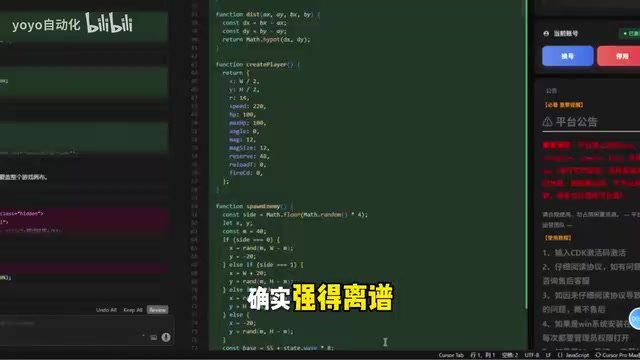
Compliant strategies to manage Cursor's rising token costs without risking shared accounts.
As Cursor's latest AI models consume credits faster than ever, developers face mid-month shortages and rising costs. This guide analyzes the risks of shared accounts and gray-market solutions, then offers four compliant cost-saving strategies: intelligent model pairing, leveraging free credit mechanisms, configuring your own API Key, and team subscription cost-splitting.
Introduction: The Price of Top-Tier Models
Cursor has recently rolled out several heavyweight models, including the Claude Opus 4 series and GPT-4.5/5.5, delivering a genuine leap in code generation capabilities. But the accompanying problem is very real—token consumption is skyrocketing, and credits simply aren't enough.
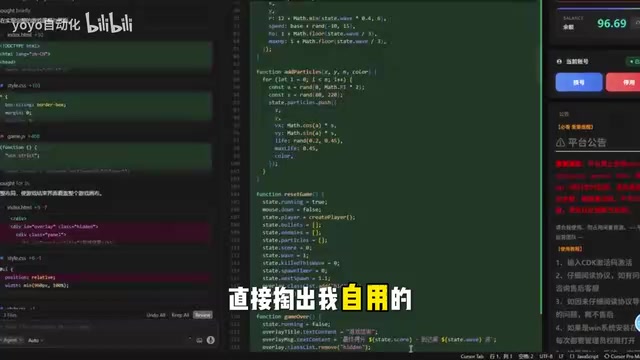
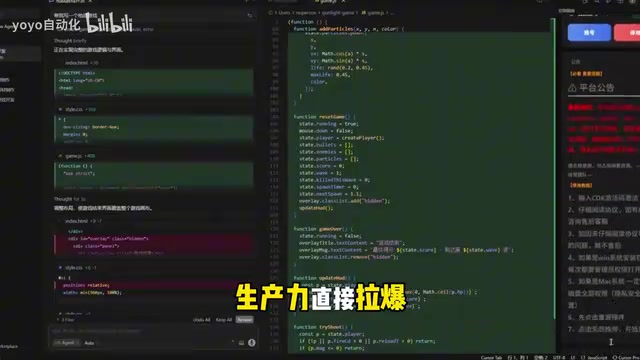
This isn't just one user's experience. On platforms like Bilibili, Reddit, and other communities, discussions about Cursor credit shortages and soaring costs are becoming increasingly common. One Bilibili creator put it bluntly: "The latest models are absurdly powerful—coding with them feels like cheating—but who can afford to burn tokens at this rate?"
Cursor's Pricing Model & Credit Consumption Analysis
Why Do New Models Consume Credits So Fast?
Cursor's business model essentially integrates LLM APIs at the IDE level. When the underlying models upgrade from GPT-4 to GPT-5.5, or from Claude 3.5 to the Claude Opus 4 series, the API cost per request scales up accordingly.
For Cursor Pro users ($20/month), the subscription includes a limited number of fast requests. Once exhausted, you either downgrade to slower models or pay extra for more credits. The latest top-tier models (like the Opus 4 series) can cost 3-5x more per request than standard models, meaning the same subscription credits get burned through much faster.
The Real Pain Points Developers Face
For developers who use Cursor intensively every day, the pain points are crystal clear:
- Running dry mid-month: Fast request credits are exhausted halfway through the month, leaving only slow models for the second half
- Model selection anxiety: Wanting to use the strongest model but fearing credit waste, constantly weighing cost-effectiveness
- Hitting limits during critical project phases: Getting rate-limited mid-code seriously disrupts development flow
Are Shared Accounts and Other "Money-Saving Solutions" Reliable?
Facing high usage costs, the market has seen a flood of so-called "shared accounts," "group-buy plans," and even "official discount agents." These solutions typically claim to offer full functionality at 30-50% of the price, with services like "automatic account switching" and "seamless renewals."
But here are some critical risks to keep in mind:
- Account security: Shared accounts mean your code may pass through intermediary layers controlled by others, creating code leakage risks
- Terms of Service violations: Account sharing almost certainly violates Cursor's ToS, and your account could be banned at any time
- No stability guarantees: So-called "instant account switching" essentially rotates between multiple accounts—if upstream accounts get banned, the service can drop at any moment
- Data privacy: Your project code, prompts, and other sensitive information may be logged by third parties
For personal learning projects, the impact might be minimal. But if company code or commercial projects are involved, the risks of using such services far outweigh the money saved.
Compliant Cost-Saving Strategies: Four Practical Approaches
Rather than risking gray-market channels, consider these compliant strategies to reduce your Cursor costs:
Strategy 1: Pair Models Intelligently
Not every task requires the most powerful model. For routine code completion, GPT-4o-mini or Claude Sonnet is more than sufficient—save Opus 4 or GPT-5.5 for critical scenarios like architecture design and complex debugging. This can improve your fast request credit efficiency by 3-4x.
Strategy 2: Leverage Cursor's Free Credit Mechanisms
Cursor calculates credits differently for different models. Understanding which models consume fast requests and which use the slow channel allows you to allocate usage more precisely and avoid unnecessary credit waste.
Strategy 3: Configure Your Own API Key
Cursor supports users configuring their own API Keys. If you already have an OpenAI or Anthropic API account, connecting directly may be more flexible than going through a Cursor subscription—especially for developers with highly variable usage. Pay for actual consumption and avoid wasted credits.
Strategy 4: Split Costs with a Team Subscription
Cursor Business ($40/month/seat) offers more credits and management features. For small teams, the per-person cost may be more economical than individual subscriptions plus extra credit purchases.
Thoughts on Cost Sustainability for AI Coding Tools
The pricing model for AI coding tools is currently at a delicate inflection point. On one hand, model capabilities are improving rapidly and user experience keeps getting better. On the other hand, underlying API costs remain high, and a $20/month subscription can barely cover the actual consumption of heavy users.
This is exactly why tools like Cursor and Windsurf keep adjusting their credit policies—they need to find a balance between user growth and financial sustainability.
For developers, rather than chasing the illusion of "unlimited credits," it's better to set reasonable expectations for AI-assisted programming: it's a powerful productivity tool, but it's not a free lunch. Treating AI coding tool expenses as a professional tool investment (similar to a JetBrains IDE subscription) is probably a healthier mindset.
Conclusion
The capabilities of Cursor's new models are undeniable, but the problem of credits being consumed too quickly needs to be addressed head-on. Faced with the temptation of various "money-saving solutions" on the market, developers should prioritize compliant and secure usage methods. Pairing models intelligently, leveraging credit mechanisms, and configuring your own API Key when necessary—these strategies may not sound as enticing as "shared accounts at 35% off," but they're more reliable and secure in the long run.
After all, the value of your code and project data far exceeds the few dozen dollars you'd save each month.
Related articles

Claude Code Installation Guide & The Five Stages of AI Programming Tools Explained
Complete Claude Code installation guide with the five stages of AI programming tools, from manual coding to agents. Learn 0-to-1 project building and 1-to-100 iteration challenges.

Enterprise-Level AI Project Rules Files: 5 Hard Rules + 6 Writing Techniques
AI keeps messing up your code? Learn 5 hard rules and 6 writing techniques for enterprise-level Rules files in Claude Code, Cursor & more, with templates.
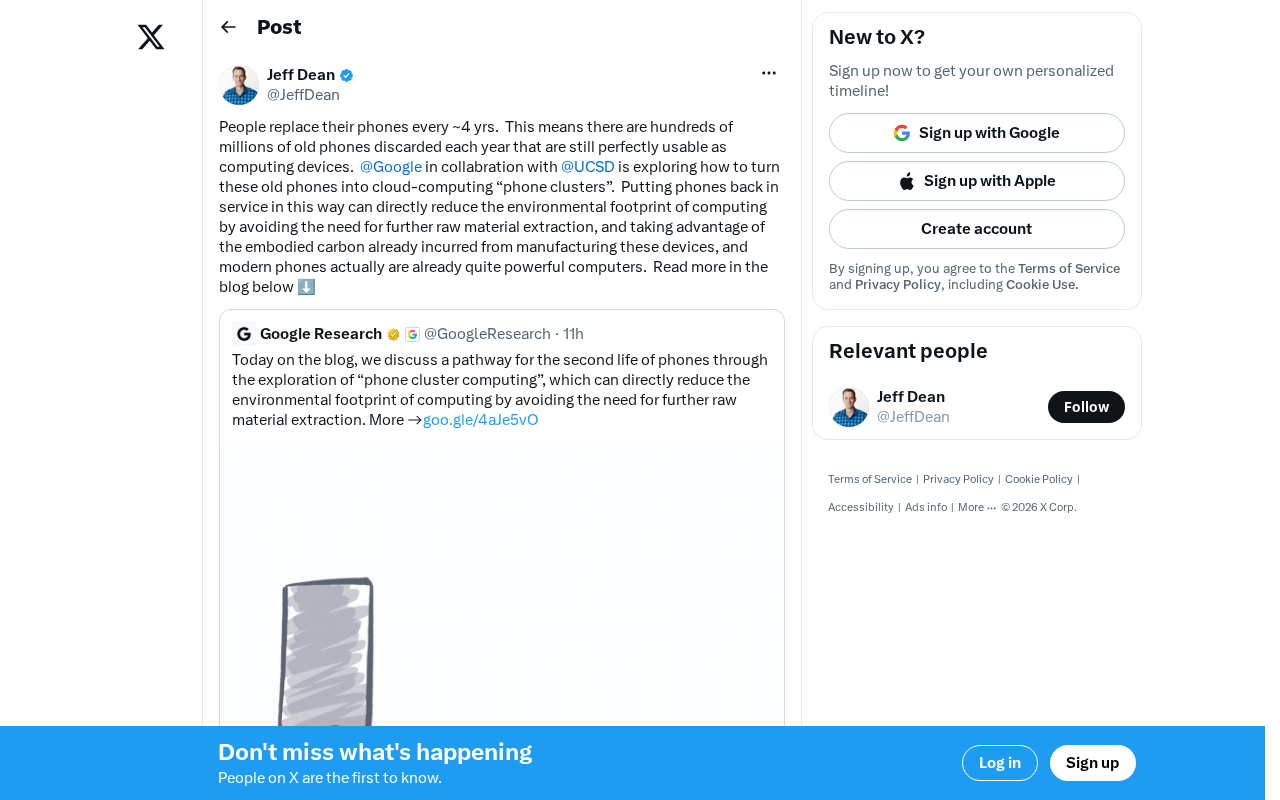
Building Cloud Computing Clusters from Old Phones: Google and UCSD Explore a New Path to Sustainable Computing
Google and UCSD explore building cloud clusters from old phones, leveraging ARM chip efficiency to cut e-waste and data center carbon footprints.