SwiftUI in Practice: A Complete Tutorial on Building an Item Management App with AI Collaboration
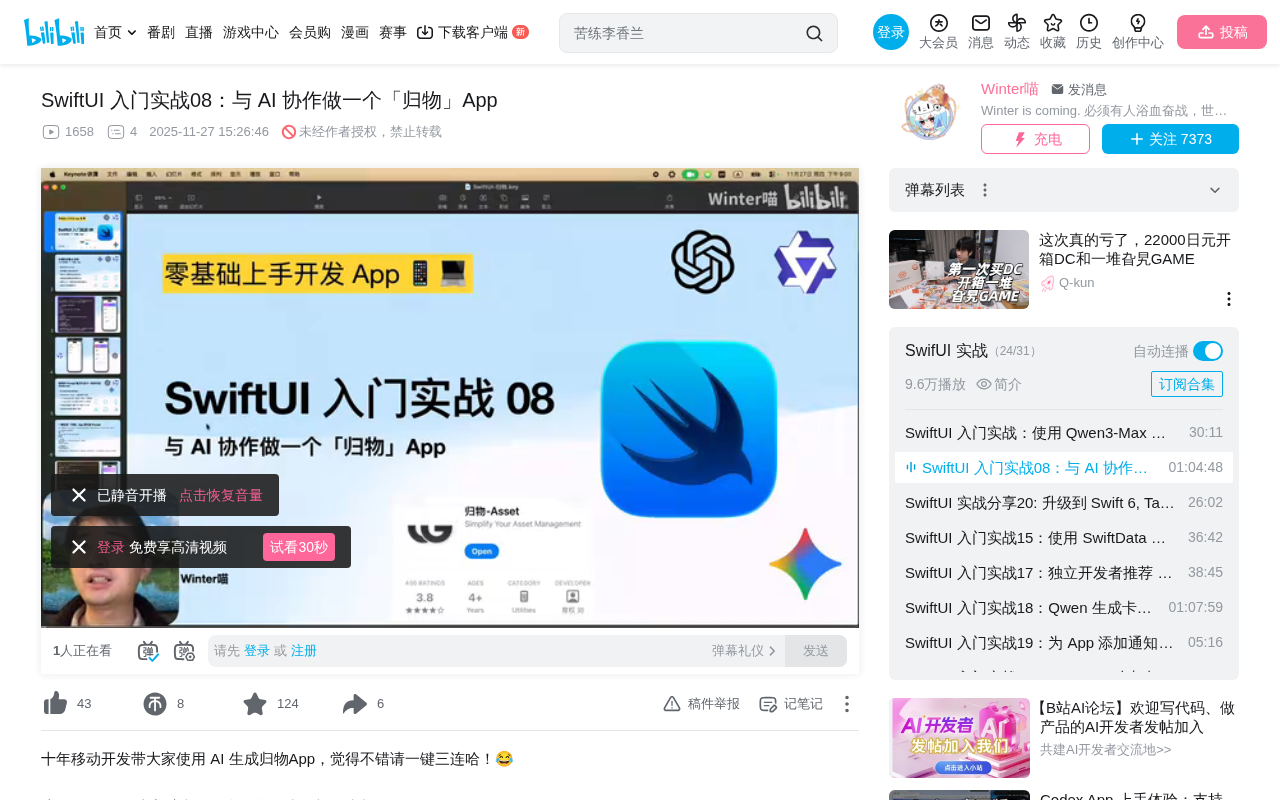
Build a SwiftUI item management app through human-AI collaborative development with LLMs
This article uses the "GuiWu" item management app as a case study to demonstrate the complete workflow of generating SwiftUI code through carefully designed Prompts with AI LLMs. It covers Prompt constraint design methodology, differences in code generation across models and their underlying causes (Temperature/Top-P parameters), common compilation errors in AI-generated code with fixes, and best practices for AI-assisted development: AI generates framework code while humans understand, debug, and optimize.
Project Overview: What is the "GuiWu" App
"GuiWu" (literally "Organize Things") is an item management application whose core function is recording information about items users have purchased and automatically calculating the daily usage cost of each item. The original app was developed by a designer and published on the Apple Store. This tutorial leverages AI large language models to quickly implement a simplified version using SwiftUI.
SwiftUI is a declarative UI framework introduced by Apple at WWDC 2019, fundamentally different from the imperative programming approach of traditional UIKit. In UIKit, developers need to manually create view objects, set properties, and add them to the view hierarchy; in SwiftUI, developers simply describe what the interface "should look like," and the framework automatically handles rendering and updates. This declarative paradigm significantly reduces the cognitive burden of UI development and makes AI-generated code easier for humans to understand and modify, since the code itself is an intuitive description of the interface.
The highlight of this project is that it doesn't involve hand-writing every line of code from scratch. Instead, carefully designed Prompts let AI generate over 80% of the code, with the developer handling debugging and optimization. This "human-AI collaboration" development model is becoming the mainstream workflow for indie developers.
Prompt Design Methodology: Getting AI to Generate High-Quality Code
Key Technical Constraints in Prompts
A good code-generation Prompt needs to include clear technical constraints; otherwise, AI might generate code beyond your current skill level. The Prompt in this tutorial includes the following key design elements:
- Tech stack constraints: Explicitly using SwiftUI, supporting only iOS 17 and above
- Data structure definition: Items include icon, name, category, purchase amount, and purchase date
- Page structure: Home page (Banner + item list), Add page, Detail page, Edit page
- Precision requirements: Purchase amount accurate to the ones place, daily cost accurate to 0.01
- Storage method: All data saved locally, no complex storage solutions
- Code standards: Clear file structure, each file returned in a separate code block
These constraints ensure that AI-generated code matches the learner's current knowledge level. Without constraints, AI might use CoreData, network requests, or other technologies not yet studied. CoreData is Apple's heavyweight object graph management and persistence framework—powerful but with a steep learning curve, making it overkill for simple item recording scenarios.
Understanding the Randomness of LLM Code Generation
The same Prompt generates slightly different code each time, determined by the underlying mechanisms of large language models:
The Temperature parameter controls the model's randomness and creative divergence. Higher Temperature produces more diverse results; at 0, output is completely deterministic. Technically, when a large language model generates each token, it calculates a probability distribution over all candidate words in the vocabulary. The Temperature parameter acts on the softmax function output: at Temperature 1, the original probability distribution is preserved; below 1, the distribution becomes sharper (high-probability words become more prominent); above 1, the distribution flattens (low-probability words get more chances).
The Top-P parameter determines the candidate word range at each generation step. At Top-P 0.5, selection is limited to words in the top 50% probability; at 1, all words have a chance of being selected. Top-P (also called nucleus sampling) accumulates probabilities starting from the highest-probability words until the cumulative probability reaches the P value, then samples only from this subset. Together, these two parameters control the balance between diversity and determinism in generation, explaining why the same Prompt produces different but semantically similar code outputs across multiple runs.
Additionally, different LLMs have different stylistic preferences. Tongyi Qianwen leans toward logical thinking and engineering-oriented expression, Doubao excels at everyday life scenarios, and ChatGPT performs relatively balanced in code generation. These differences stem from variations in each model's training data distribution and fine-tuning strategies.
Hands-On Process: From AI Generation to Xcode Debugging
Round One: Tongyi Qianwen Generates SwiftUI Code
After inputting the Prompt into Tongyi Qianwen, the AI generated complete project files including the data model (Item), data manager (ItemStore), main page (ContentView), detail page (ItemDetailView), and more. The generated code uses AppStorage + Codable + UserDefaults for local persistence.
UserDefaults is the most lightweight local storage solution in iOS—essentially a key-value storage system that saves data as plist files in the app sandbox. Codable is Swift's encoding/decoding protocol (actually a combination of Encodable and Decodable) that allows custom data structures to be serialized into JSON or PropertyList format. When used together, objects are first encoded into Data via JSONEncoder, then stored in UserDefaults. This approach is suitable for scenarios with small data volumes (generally recommended not to exceed a few hundred KB) and simple structures. For more complex data management needs, Apple provides CoreData and the SwiftData framework introduced in 2023.
After copying the code into Xcode, the first run produced several typical errors:
Error 1: Item does not conform to Decodable protocol
The cause was that custom enum types hadn't implemented the Codable protocol. The fix is adding a Codable declaration to the enum. Additionally, properties declared with let that have initial values cannot be decoded and need to be changed to var. This is because the Decodable protocol needs to assign values to properties during decoding, and let properties are immutable once initialized—the decoder cannot override their default values.
Error 2: ObservableObject protocol not satisfied
You need to import Combine at the top of the file because ObservableObject-related types are in the Combine framework. Combine is Apple's reactive programming framework introduced in 2019, providing Publisher and Subscriber patterns for handling asynchronous event streams. In SwiftUI's state management, the ObservableObject protocol relies on Combine's objectWillChange publisher to notify views of data changes. Although @Observable macro no longer depends on Combine after iOS 17, the explicit import is still needed when using the older approach.
Error 3: Ambiguous use of init
String.init has multiple overloaded versions, requiring explicit parameter type specification to resolve ambiguity. This is a characteristic of Swift's strong type system—when the compiler cannot infer from context which overload to use, it reports an ambiguity error, and developers need to help the compiler decide through explicit type annotations.
Round Two: ChatGPT Generation Comparison
The same Prompt in ChatGPT generated an app with a completely different style—a neon-futuristic dark-themed interface. ChatGPT's code also required fixing several issues:
- Item needed the
Hashableprotocol added. The Hashable protocol allows types to be used as Dictionary keys or Set elements, and SwiftUI's ForEach and NavigationDestination also rely on Hashable to uniquely identify data items during view identification. - In iOS 17, the old
onChangesyntax is deprecated and needs to use the new two-parameter version. The oldonChange(of:perform:)only receives the new value, while the newonChange(of:) { oldValue, newValue in }provides both pre- and post-change values, allowing developers to respond to state changes more precisely. NavigationDestinationshould be written in direct child views of NavigationStack, not inside NavigationLink. This is a design requirement after SwiftUI's navigation system was refactored in iOS 16—NavigationStack adopts a value-based navigation model, and NavigationDestination as a route registrar needs to be visible at the navigation container level.
Deep Dive into Key Technical Points
Two Approaches to SwiftUI State Management
The AI-generated code uses @EnvironmentObject (legacy approach), while iOS 17 recommends using @Environment with the @Observable macro (modern approach). Here's a comparison:
| Legacy Approach | Modern Approach |
|---|---|
| Class conforms to ObservableObject | Uses @Observable macro |
| Properties marked with @Published | No additional annotations needed |
| Injection via .environmentObject() | Injection via .environment() |
| Access via @EnvironmentObject | Access via @Environment |
The tutorial chose to keep the legacy approach to minimize changes, but both are functionally equivalent.
From a technical evolution perspective, ObservableObject was SwiftUI's early state management solution (since iOS 13), implemented via Combine framework's Publisher mechanism. Developers need their class to conform to the ObservableObject protocol and mark properties that should trigger view updates with @Published. Whenever a @Published property changes, it notifies all subscribed views to re-render via the objectWillChange publisher—even if the view doesn't use the property that changed. The @Observable macro introduced in iOS 17, based on Swift 5.9's macro system, employs a more fine-grained observation mechanism—it tracks which properties a view actually reads and only triggers updates when those specific properties change, avoiding unnecessary view refreshes for better performance and cleaner code.
Data Aggregation: Using the reduce Function
When calculating the total amount of items, the AI used the functional programming reduce method:
store.items.reduce(0) { $0 + $1.amount }
This is equivalent to the traditional for-loop approach:
var amount = 0
for item in items {
    amount += item.amount
}
return amount
reduce is one of the core higher-order functions in functional programming, alongside map (transform) and filter (filter)—collectively known as the three musketeers of collection operations. reduce's purpose is to "fold" a collection into a single value: it takes an initial value and a combining function, sequentially merging each element in the collection with the accumulated result. In Swift, $0 represents the current accumulated value and $1 represents the current element being iterated. The advantage of the functional approach lies in immutability (no intermediate variables are modified) and expressiveness (one line of code expresses complete intent), which is especially valuable in multithreaded environments as it avoids race conditions caused by shared mutable state.
At the data scale typical of client-side development, the performance difference between the two approaches is negligible—the choice mainly comes down to readability preference.
SwiftUI Interface Fine-Tuning Tips
- Removing List default background: Use
.listStyle(.plain)for an undecorated style - Gradient backgrounds: Implement color transitions from top-left to bottom-right via
LinearGradient. LinearGradient accepts a color array and start/end point parameters, and SwiftUI automatically interpolates between colors to generate smooth gradient effects. - Opacity control: Use
.opacity(0.15)to soften colors - Quick API discovery: Type a
.to see all available modifiers—no memorization needed. This is thanks to SwiftUI's ViewModifier design pattern—each modifier returns a new View type, forming a chain of calls, and Xcode's autocomplete can precisely recommend available modifiers based on the current View type.
Best Practices Summary for AI-Collaborative Development
Through this hands-on project, several core lessons for AI-assisted development can be summarized:
- Prompts need clear technical boundaries: Tell the AI what level of code you can handle to avoid overly complex implementations
- Small modifications beat large-scale regeneration: Tokens are limited, and repeatedly asking AI to rewrite entire files tends to make things worse. Here, tokens refer to the basic units of text processing for LLMs. Each conversation has a context window limit (e.g., 128K tokens for GPT-4), and exceeding this limit causes the model to "forget" earlier content, degrading generation quality.
- Include relevant code context when reporting errors: Let AI pinpoint problems precisely rather than guessing
- UI styles can be iterated quickly: Having AI switch color schemes and layout styles is far more efficient than manual adjustment
- Understand the principles behind generated code: Don't be a pure code copier—understanding what each piece of code does enables effective debugging
This development model is particularly suited for indie developers and beginners—AI handles generating framework code while humans handle understanding, debugging, and optimization. As your SwiftUI proficiency grows, the complexity of Prompts you can handle will increase accordingly. This is essentially a "progressive learning" strategy: first gain confidence by quickly obtaining working results through AI, then gradually deepen your understanding of underlying principles, ultimately reaching the level where you can independently design complex system architectures.
Key Takeaways
- Through carefully designed Prompt constraints (tech stack, data structures, storage methods, etc.), you can get AI to generate usable code appropriate for your current learning stage
- The same Prompt generates stylistically different apps across different LLMs (Tongyi Qianwen vs ChatGPT), determined by parameters like Temperature and Top-P
- AI-generated code typically requires fixing common compilation errors such as protocol conformance, deprecated APIs, and type ambiguity—these are predictable debugging tasks
- The optimal human-AI collaboration model is AI generating framework code + humans understanding, debugging, and optimizing—not fully relying on AI or fully hand-coding
- SwiftUI's declarative API design makes UI fine-tuning very intuitive, and combined with AI, interface styles can be iterated rapidly
Related articles
 Tutorials
Cursor + Codex Dual-IDE Collaboration: A Practical Methodology for Open-Source Project Customization
A complete methodology for open-source project customization based on real-world experience, detailing the Cursor+Codex dual-IDE workflow, seven-stage process, MVP validation, and AI source code reading techniques.
 Tutorials
Cursor Multi-Agent in Practice: Building a Full-Stack Next.js Blog in 50 Minutes
Build a full-stack blog in 50 minutes using Cursor IDE's multi-Agent mode with Next.js, Clerk auth, and Supabase. Learn the 4-phase AI Agent workflow and key integration pitfalls.
 Tutorials
Building an AI Software Factory from Scratch: A Cursor Engineer's Hands-On Experience with Multi-Agent Collaboration
Cursor engineer Eric shares practical insights on building an AI software factory: automation levels, guardrail design, parallel Agent management, and scaling to 1000+ Agents for 24/7 development.