In-Depth Guide to the Codex Chinese Manual: A Complete Walkthrough from Beginner to Advanced
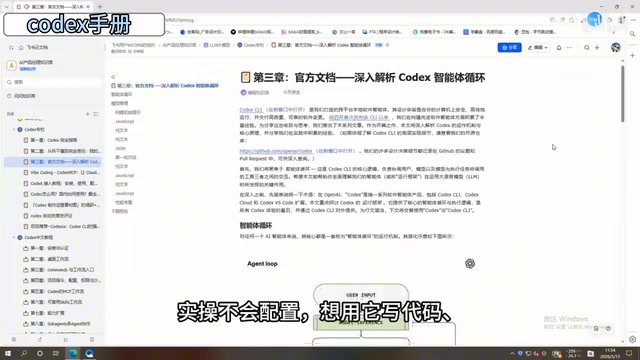
A complete walkthrough of ByteDance's 198-page Codex Chinese manual from beginner to advanced usage.
This article provides an in-depth breakdown of a 198-page Codex Chinese manual compiled by ByteDance's internal team. It covers the full learning path from installation and configuration, through the Commands system and MCP workflows, to advanced multi-Agent collaboration and background task scheduling, helping developers systematically master AI-assisted programming.
Why You Need a Systematic Codex Learning Guide
As one of the most powerful AI coding assistants available today, OpenAI's Codex is attracting growing attention from developers and productivity enthusiasts alike. Codex is a code generation model fine-tuned from the GPT series of large language models. Originally released in 2021, it serves as the core engine behind GitHub Copilot. Trained on billions of lines of public code, it supports over a dozen mainstream programming languages including Python, JavaScript, TypeScript, and Go. It can transform natural language descriptions into executable code, understand the context of existing codebases, and perform code completion, refactoring, and debugging. Between 2024 and 2025, OpenAI rolled out several major upgrades to Codex, introducing a larger context window, multi-file comprehension, and agentic execution capabilities — evolving it from a simple code completion tool into an AI programming agent capable of autonomous task execution.
The reality, however, is that most people's learning journey looks something like this: struggling through English documentation, piecing together scattered tutorials from the internet without forming a coherent understanding, getting stuck on installation and configuration for hours, and finally getting it running without knowing how to use it effectively.
Recently, a 198-page Codex Chinese manual — compiled and refined internally by ByteDance's technical team — began circulating in the community, generating significant buzz. The manual's greatest strength is its systematic and hands-on approach — it's not a random collection of tips, but a complete learning path that starts from zero and progresses step by step.
For many users looking to boost their programming and work efficiency with AI, what they've been missing was never the tool itself, but a comprehensive Codex usage guide that can truly walk them through the entire workflow.
Core Content Breakdown
Fundamentals: Installation, Authentication, and Desktop Workflow Setup
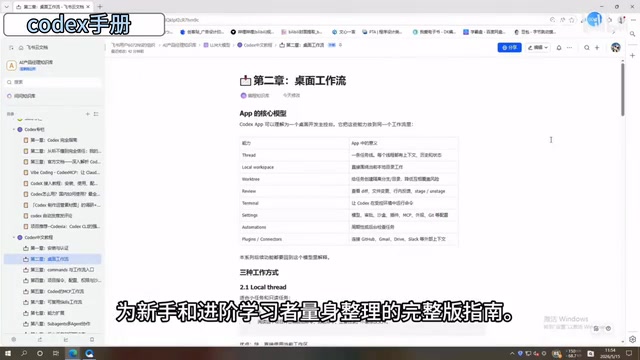
The opening chapters focus on the most basic — yet most likely to discourage newcomers — aspect: environment setup. From Codex installation and configuration, account authentication, to establishing a desktop workflow, the manual adopts a step-by-step teaching approach with clear instructions at every stage.
This is critically important. Many people give up on learning a new tool not because the tool itself is too difficult, but because they get stuck on environment configuration at the very first step. This section of the manual achieves a "follow along and it just works" level of guidance, dramatically lowering the barrier to entry.
Intermediate: The Commands System and Project Configuration
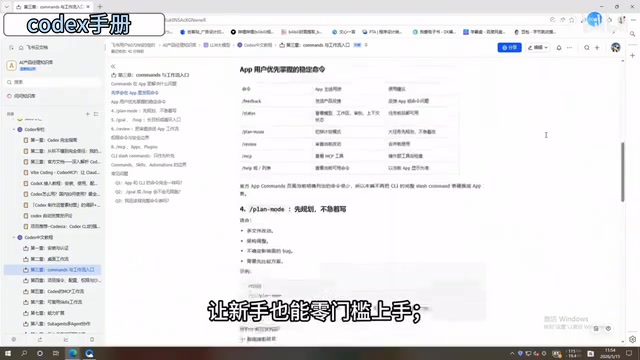
Codex's power lies in the fact that it's not just a code completion tool — it's an AI programming partner that can be deeply customized through Commands. The manual provides a comprehensive breakdown of the Commands system, including:
- Command syntax and parameter configuration: How to precisely tell Codex what you want
- Project-level configuration: Best practices for different project types (frontend, backend, data analysis, etc.)
- Context management: How to help Codex better understand your codebase and project structure
This section is especially valuable for working programmers. Proper command configuration can transform Codex from an "occasionally useful completion tool" into a "true programming partner" — a qualitative leap in efficiency. Context management is particularly important here — the output quality of large language models is highly dependent on the quality and relevance of the input context. By properly configuring project structure descriptions, coding standards documentation, and dependency graphs, you can significantly improve the accuracy and consistency of Codex-generated code.
Core: MCP Workflows and Skills Templates
One of the most valuable sections of the manual is its in-depth coverage of MCP (Model Context Protocol) workflows. MCP is a standardized protocol proposed and open-sourced by Anthropic in late 2024, designed to solve the connectivity problem between AI models and external tools and data sources. Before MCP, every AI application that needed to integrate with external services (such as databases, APIs, file systems, etc.) required custom integration code, resulting in massive duplication of effort and compatibility issues. MCP defines a unified communication standard that allows AI models to invoke external tools in a standardized way — similar to how the USB protocol unified hardware device connections.
In Codex's use cases, MCP enables the AI coding assistant to directly access a project's Git repository, read database schemas, invoke CI/CD pipelines, query project documentation, and more — dramatically expanding AI's capability boundaries beyond pure text-level code generation. Mastering MCP means you can significantly extend Codex's capabilities, truly making the leap from "conversational programming" to "automated engineering."
Even more practical is the reusable Skills template mechanism introduced in the manual. Skills templates are essentially an extension of the "Infrastructure as Code" philosophy into the AI workflow domain. In software engineering practice, encapsulating repetitive operations into reusable templates has always been a core strategy for improving efficiency — from Shell scripts to Makefiles, from Docker Compose to Terraform, and now to AI Prompt templates. Codex's Skills templates apply this concept at the AI interaction layer: users can package verified prompt combinations, tool invocation sequences, and output format requirements into standardized templates for one-click reuse across different projects.
In simple terms, it's about packaging your commonly used workflows into "one-click efficiency boosters":
- Templatized code review processes
- Quick invocation of common bug fix patterns
- Standardized project initialization configurations
- Automated documentation generation workflows
This approach of "distilling experience into templates" is closely aligned with the "Golden Path" concept in DevOps — providing optimized, standardized processes for common scenarios that ensure quality consistency while avoiding the time waste of starting from scratch every time. In essence, you're building a personal AI workflow asset library — the more you use it, the more you accumulate, and efficiency gains grow exponentially.
Advanced Techniques: Multi-Agent Collaboration and Background Task Scheduling
The latter half of the manual enters truly advanced territory — Subagents multi-Agent collaboration. This goes beyond using a single AI assistant to orchestrating multiple AI agents working in concert, each handling its own responsibilities.
Multi-Agent Collaboration is a cutting-edge direction in AI application architecture. Its core philosophy draws from distributed systems and microservices architecture design — decomposing complex tasks into multiple subtasks handled by different specialized AI agents. Each Agent has its own system prompt, toolset, and execution environment, coordinating through message-passing mechanisms. The advantage of this architecture is clear: a single Agent has limited context window and focus, and when task complexity exceeds what one Agent can handle, a multi-Agent system can break through this bottleneck through division of labor. Typical multi-Agent frameworks include AutoGen, CrewAI, LangGraph, and others, which provide infrastructure for inter-Agent communication, task orchestration, and result aggregation.
In Codex's Subagents mechanism, the main Agent plays the role of "project manager," responsible for task decomposition and result integration, while sub-Agents each focus on specific domains like code generation, testing, and documentation. Key capabilities include:
- Subagents: Breaking complex tasks down and delegating them to different sub-agents — for example, one handles code generation, another writes test cases, and another updates documentation
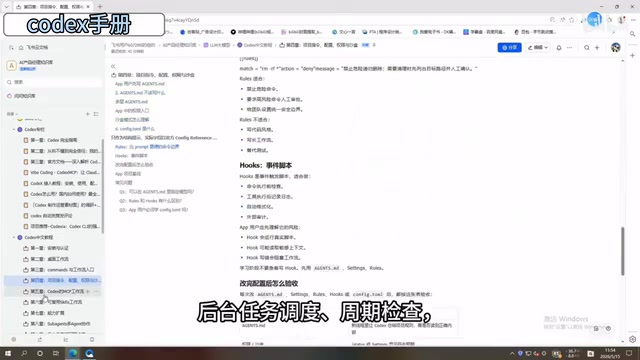
- Background task scheduling: Setting up timed or trigger-based automated tasks that let Codex work continuously in the background
- Periodic checks and result aggregation: Automatically consolidating and cross-validating outputs from multiple agents to ensure final deliverable quality
This multi-Agent collaboration model represents the future direction of AI-assisted programming. When you shift from "one person directing one AI" to "one person orchestrating an AI team," your individual output capacity undergoes a fundamental transformation. This also closely mirrors the trend in software engineering of "evolving from monolithic to microservices architecture" — through proper separation of responsibilities and coordination mechanisms, the overall system's scalability and reliability improve significantly.
Who Is This Codex Chinese Manual For?
Based on its content design, this manual covers three core user groups:
Complete beginners: The introductory chapters are beginner-friendly enough that you don't need a deep programming background to get started. The manual's value lies in helping you establish the right usage framework and avoid detours at the starting stage.
Working programmers: The Commands configuration, MCP workflows, and Skills templates sections in the middle represent the core value. This content can be directly applied to daily development work for immediate efficiency gains. According to industry research data, developers who effectively use AI coding assistants see an average improvement of over 55% in code writing speed, with even more significant efficiency gains in code review and debugging.
Productivity enthusiasts and students: Even if you're not a professional developer, mastering basic Codex usage can deliver significant efficiency improvements in scenarios like data processing, document generation, and automation scripting.
Final Thoughts
The reason internal technical documentation from major tech companies is valuable comes down to one thing: it has been validated and refined through real-world business scenarios. Compared to scattered online tutorials and individual experience sharing, this kind of systematic manual has clear advantages in knowledge completeness, operational reliability, and best practice accumulation.
Of course, any manual is just a starting point. True skill improvement comes from repeated practice in real projects and continuously optimizing your AI workflow. I recommend that readers pick a real project they're currently working on and practice alongside the manual — this will make the learning process far more effective.
AI programming tools iterate at breakneck speed, but the underlying usage methodology and workflow thinking remain relatively stable. Once you've mastered the systematic approach to using Codex, you'll be able to quickly pick up and adapt to other AI programming tools in the future. From a broader perspective, we're at a critical inflection point in the software development paradigm — from "humans writing code" to "humans collaborating with AI to write code" to "humans directing AI teams to complete engineering tasks." The sooner you establish a systematic AI programming workflow, the better positioned you'll be in this paradigm shift.
Related articles
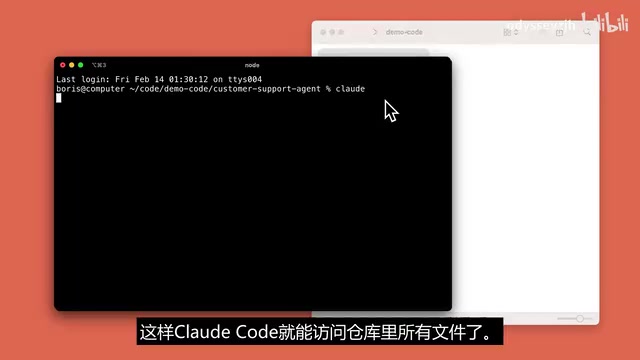
Claude Code Hands-On: A Full Workflow Demo of the Terminal AI Coding Assistant from Requirements to Deployment
In-depth hands-on review of Anthropic's Claude Code terminal coding tool, demonstrating its complete workflow of code understanding, natural language development, auto test fixing, and Git commits through a Next.js project.
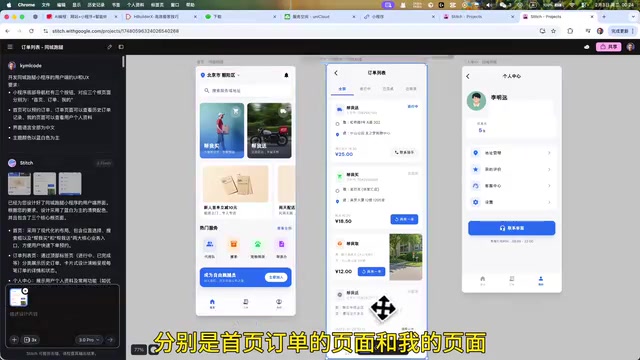
AI Programming in Practice: Building a Local Errand-Running Mini Program in 37 Minutes — Full Workflow
Learn how to build a full local errand-running mini program in 37 minutes using AI tools like Stitch, Trae, UniApp, and UniCloud — covering UI design, full-stack development, and cross-platform publishing.

Four Prompts to Remove the AI Smell from Your Articles, Plus Detection Tools and a Complete Workflow
Four tested prompts to fix AI-generated articles: remove clichés, simplify structure, add conversational tone, and adjust voice. Includes detection tools and a complete workflow.