Understanding Function Calling and MCP Through Cursor's System Prompt
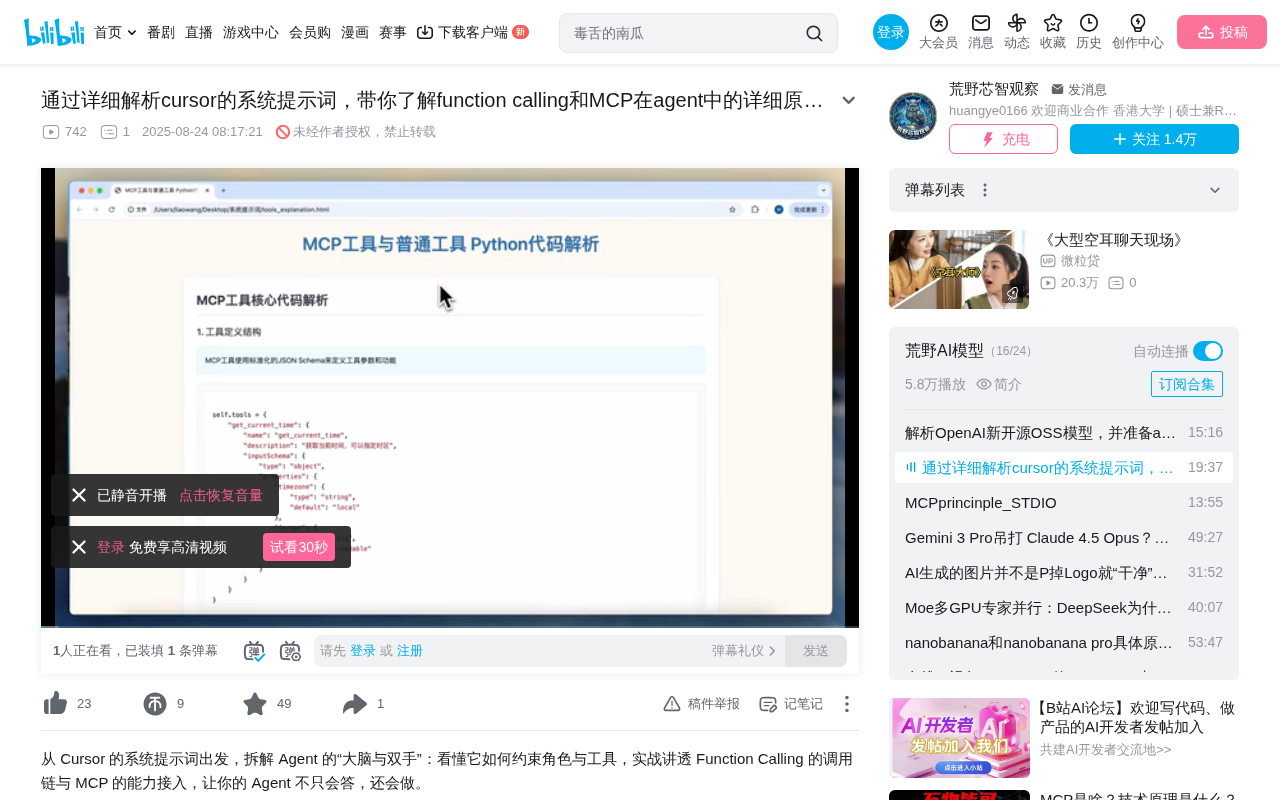
Explaining Function Calling and MCP mechanisms through Cursor's system prompt analysis
This article analyzes Cursor editor's system prompt to explain how Function Calling and MCP work in AI Agents. Function Calling essentially constrains models to output structured strings via system prompts, which functions then parse and execute. MCP adds JSON Schema standardization and async processing. Testing shows 4B models handle complex tool calling scenarios while smaller models struggle with instruction-following in long contexts, directly impacting Agent reliability.
Introduction
In AI Agent development, tool calling (Function Calling) is one of the core capabilities. This article dissects the working principles of Function Calling and MCP (Model Context Protocol) by analyzing Cursor editor's system prompt, and tests the Agent capabilities of models with different parameter sizes.
The Basic Flow of Function Calling
Tool Definition and Calling Mechanism
An Agent's tool is essentially a function. Defining an Agent requires three elements: model instantiation (name, temperature, etc.), tool definitions (Tools), and a system prompt.
Function Calling was first introduced by OpenAI in June 2023 for the GPT API. Its design philosophy is that the LLM doesn't execute code directly, but generates structured descriptions of calling intent. This design completely decouples "decision-making" (model's responsibility) from "execution" (program's responsibility), allowing LLMs to safely interact with external systems without needing actual execution permissions. In practice, tool definitions are typically passed as a JSON object array to the API's tools parameter, with each tool containing four fields: type (currently fixed as "function"), function.name, function.description, and function.parameters.
The workflow is straightforward:
- User asks a question (e.g., "What's 100+100?")
- The system prompt instructs the model to output a specific format string (e.g.,
{name: "calculate", arguments: {expression: "100+100"}}) - The function receives this string, performs the calculation, and returns the result
- The model receives the result and formulates a natural language response
The key point: the system prompt must strictly regulate the AI's output format, otherwise the function cannot parse it and will throw an "unknown tool" error.
Core Differences Between Regular Tools and MCP Tools
Regular tools use synchronous calling, store tool descriptions in plain dictionaries, and are suited for local use. They must wait for one tool execution to complete before making the next call.
MCP tools differ in two major ways:
- Fully adhere to JSON Schema standard format definitions
- Support asynchronous message processing (via stdin mode), allowing multiple users to access the same tool simultaneously
MCP (Model Context Protocol) is an open protocol released by Anthropic in late 2024, designed to establish a unified communication standard between AI models and external data sources/tools. It draws from LSP (Language Server Protocol) design principles—just as LSP lets any editor connect to any language server, MCP lets any AI application connect to any tool service. JSON Schema mentioned here is a standard specification for describing JSON data structures (defined in IETF RFC drafts) that precisely describes each parameter's type, required status, value ranges, and other constraints, enabling different systems to understand tool input/output formats without additional negotiation.
MCP's asynchronous design exists because it's publicly available—multiple people may call the same tool simultaneously, and synchronous approaches would create waiting issues. MCP supports two transport modes: stdio (standard input/output, suitable for local inter-process communication) and HTTP+SSE (Server-Sent Events, suitable for remote services). Asynchronous communication is based on the JSON-RPC 2.0 protocol, where each message carries a unique ID, allowing requests and responses to arrive out of order, thus supporting concurrent calls.
Cursor System Prompt Structure Analysis
Core Components of the Prompt
Cursor's system prompt contains these core parts:
- Identity definition: You are an assistant running in Cursor
- Tool calling guidelines (Court Tooling): e.g., "Don't tell the user which tool you're calling"
- Tool list and parameter definitions: e.g.,
search_and_reading,make_code_change, etc. - User-defined Rules: Injected into the system prompt
- Attached Files: User-attached file contents
Each tool has detailed definitions of description, required parameters, parameter types, etc.—essentially telling the model "what this tool is and what input it needs."
The Relationship Between System Prompts and Tools
System prompts and tool definitions have a one-to-one, mutually dependent relationship. The prompt needs to include:
- Usage examples for tools (Few-shot)
- Strict output format requirements ("Only generate JSON format, don't explain steps")
- Supported operation descriptions
Few-shot here refers to providing a small number of examples (typically 2-5) in the prompt to guide the model toward correct output patterns—a prompt engineering technique that adapts models to specific tasks without fine-tuning. For tool calling scenarios, few-shot examples typically demonstrate "user input → correct tool call JSON" mappings, helping the model understand when to call which tool and how to fill parameters.
Testing Agent Capabilities Across Different Model Sizes
Basic Tool Calling Test
Using "What is 2 to the power of 8?" to test small models (~1-2B) and 4B models, both correctly output well-formatted tool calling strings. The 4B model deliberates between 2**8 and 2^8 in its chain of thought, but that's a tool-side handling issue.
The Trust Problem with Tool Return Results
An interesting experiment: telling the model that 2^8 equals 200 (incorrect answer). After lengthy deliberation, the model chose to trust its own knowledge (256) rather than the tool's returned result. This shows the system prompt needs stronger instructions to "always trust tool return results."
This phenomenon involves the "grounding" problem in AI—what should the model use as its factual basis. LLMs have memorized vast world knowledge during pre-training, and when external tool results conflict with internal knowledge, the model faces a dilemma. In practical Agent systems, real-time data from tools should typically take priority over the model's static knowledge (since model knowledge has a training cutoff date), so instructions like "Always trust tool results over your own knowledge" need to be explicitly written into the system prompt.
Performance Differences in Complex Scenarios
Testing with Cursor's complete system prompt:
- Small model: Unable to accurately locate and complete tasks within lengthy prompts
- 4B model: Successfully identified attached file content, followed custom rules (Spanish language response), and output code modification instructions in the required format
The 4B model's output perfectly matched Cursor's requirements—natural language explanation above for the user, structured data below that's actually passed to the function. This "dual output" design is common in Agent architectures: the user-facing natural language part provides readability and transparency, while the system-facing structured part ensures reliable program parsing. Small models fail at these tasks mainly due to insufficient context window utilization—although they technically support long contexts, precisely locating relevant instructions within thousands of tokens of system prompts while simultaneously satisfying multiple constraints places high demands on the model's attention mechanism and instruction-following ability.
Conclusion
The essence of Function Calling is constraining the LLM via system prompts to output specifically formatted strings, which are then parsed and executed by corresponding functions. MCP adds standardized definitions and asynchronous processing capabilities on top of this. A model's instruction-following ability directly determines Agent reliability, which is why model selection is crucial in Agent development.
Key Takeaways
- Function Calling essentially constrains LLMs via system prompts to output specifically formatted strings, parsed and executed by functions
- The core differences between MCP and regular tools lie in JSON Schema standardization and asynchronous message processing
- System prompts and tool definitions must correspond one-to-one and are mutually indispensable
- Model parameter count affects instruction-following ability in complex scenarios; 4B models can handle Cursor-level complex tool calls
- When tool results conflict with the model's own knowledge, priority must be explicitly defined in the prompt
Related articles
 Tutorials
Cursor + Codex Dual-IDE Collaboration: A Practical Methodology for Open-Source Project Customization
A complete methodology for open-source project customization based on real-world experience, detailing the Cursor+Codex dual-IDE workflow, seven-stage process, MVP validation, and AI source code reading techniques.
 Tutorials
Cursor Multi-Agent in Practice: Building a Full-Stack Next.js Blog in 50 Minutes
Build a full-stack blog in 50 minutes using Cursor IDE's multi-Agent mode with Next.js, Clerk auth, and Supabase. Learn the 4-phase AI Agent workflow and key integration pitfalls.
 Tutorials
Building an AI Software Factory from Scratch: A Cursor Engineer's Hands-On Experience with Multi-Agent Collaboration
Cursor engineer Eric shares practical insights on building an AI software factory: automation levels, guardrail design, parallel Agent management, and scaling to 1000+ Agents for 24/7 development.